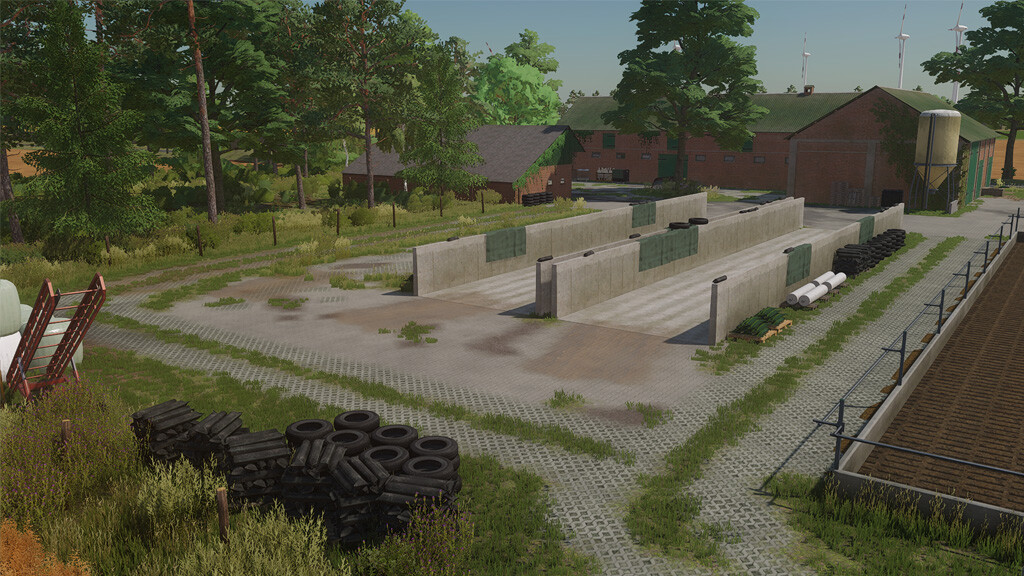
Offlum 22 Map v 1.0.0.1

FS22 mods

Offlum 22 Map v 1.0.0.1 Offlum 22 Map v 1.0.0.1 Offlum 22 Map v 1.0.0.1 Offlum 22 Map v 1.0.0.1 Offlum 22 Map v 1.0.0.1
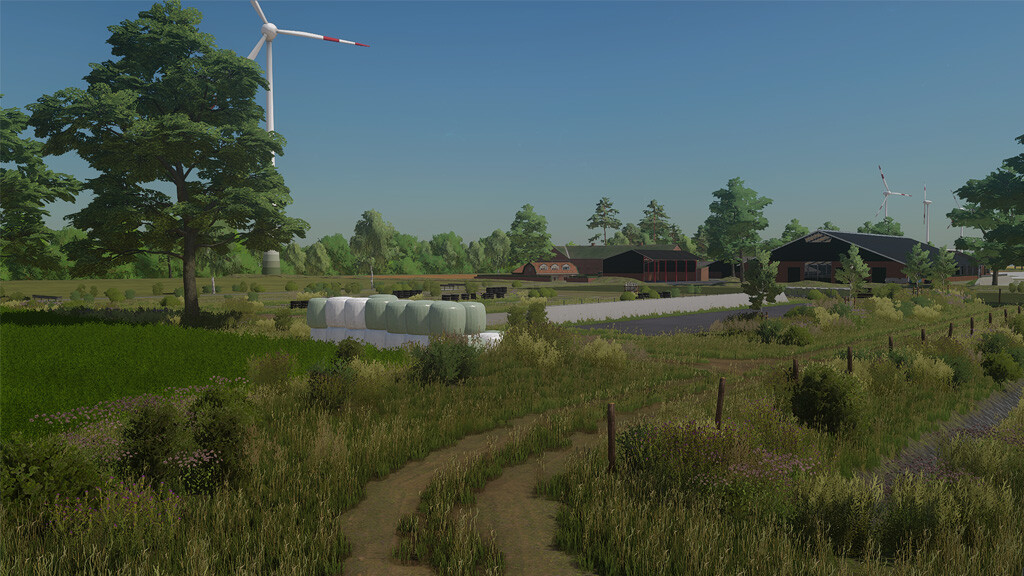
About the mod:

– 119 fields
– 11 meadows
– 5 agricultural businesses
– 2 biogas plants
– 12 forest areas for forestry
– Custom textures
– Realistic stubble destruction
– Ditches and waterholes fill up when it rains
– Prepared for precision farming with its own soil map
– Seasonal map objects
– 1 point of sale
– Animal dealer

Version 1.0.0.1:
* New decorative trees
* New decorative plants
* New merchant building
* Forest areas can be purchased individually
* Getride hall can be purchased
* Dealer area expanded
* Adjusted uneven floors
* PDA revised and farms categorized
* Field paths revised
* Fence adapted to the wind farm
* FarmID assignment problem solved
* Adjusted road textures

Credits:
MapDezing01

How to install FS19 mods?

Firstly find a mod which you like and want to download. Then download a mod to your PC. Mods are usually in .zip format file. But sometimes it can be in .rar. If a mod file is a .zip format no needed additional actions. If a file is in .rar, then you must unarchive mod with software like WinRar or Zip7. Windows 10 users no need to use software for archives, Win10 itself has a feature to unarchive files.

The next step is to find mods folder in your PC. Usually, it is in Documents/My Games/Farming Simulator 19/2019. Open the "mods" folder and put downloaded .zip archive or unarchived .rar file to this folder.

Last step. Enjoy of FS19 mods!

Leave a Reply

Your email address will not be published. Required fields are marked *