

Old Hay Loft v1.0.0.1

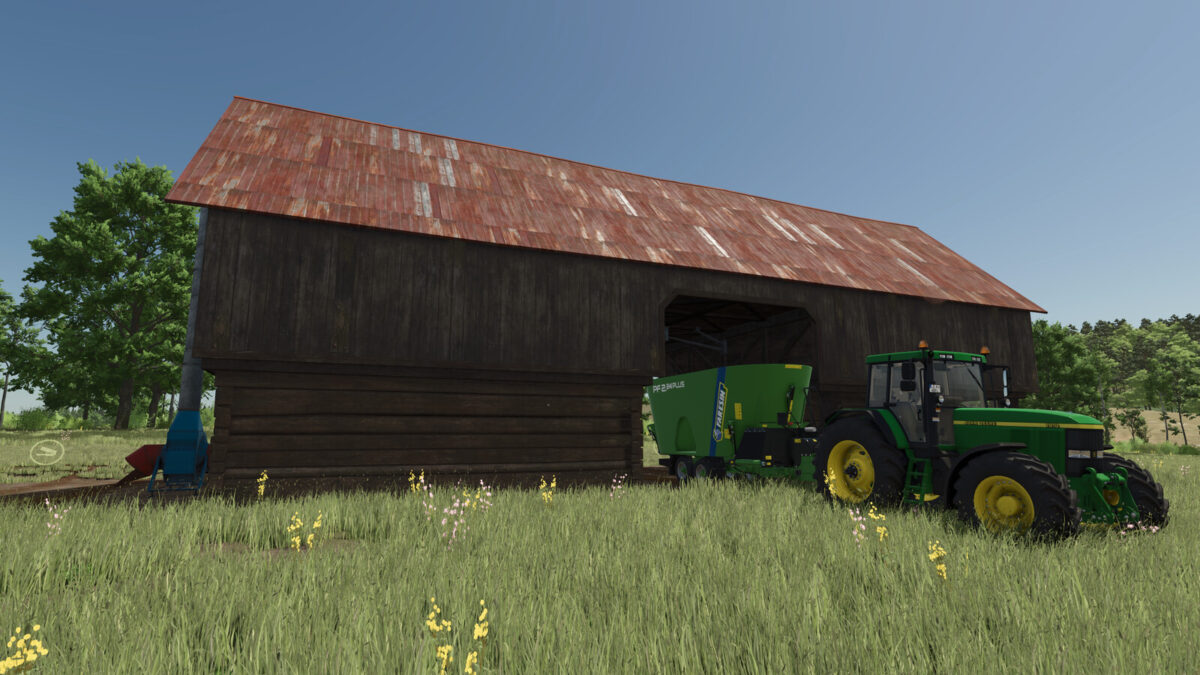
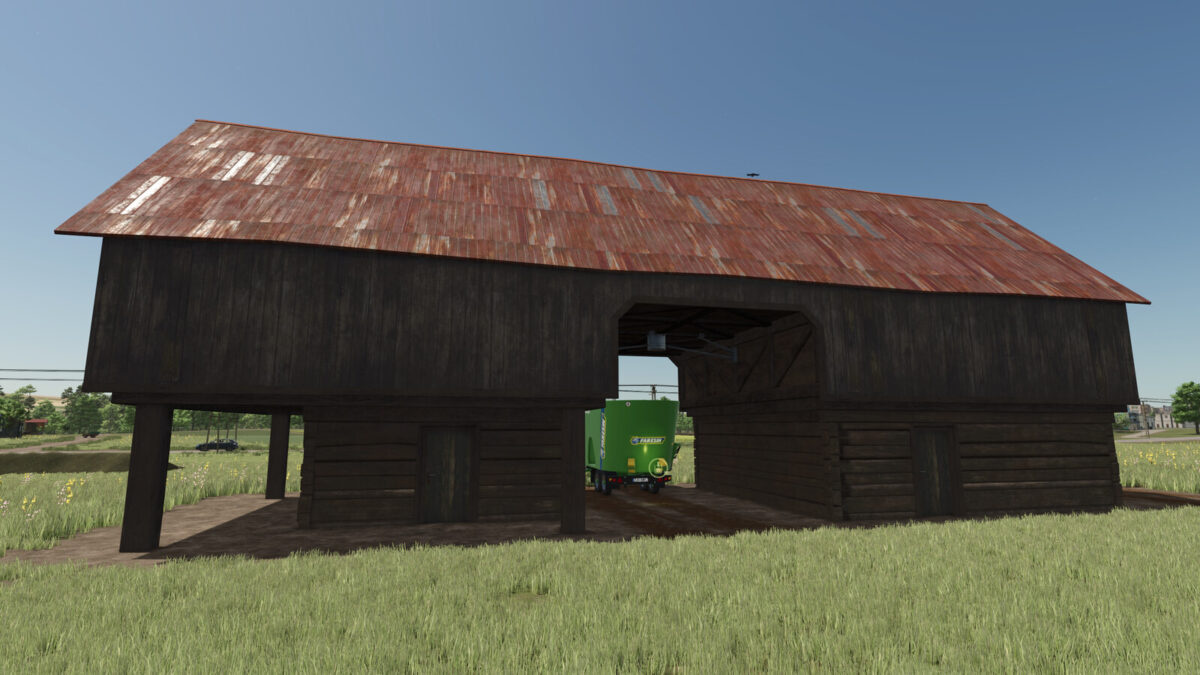
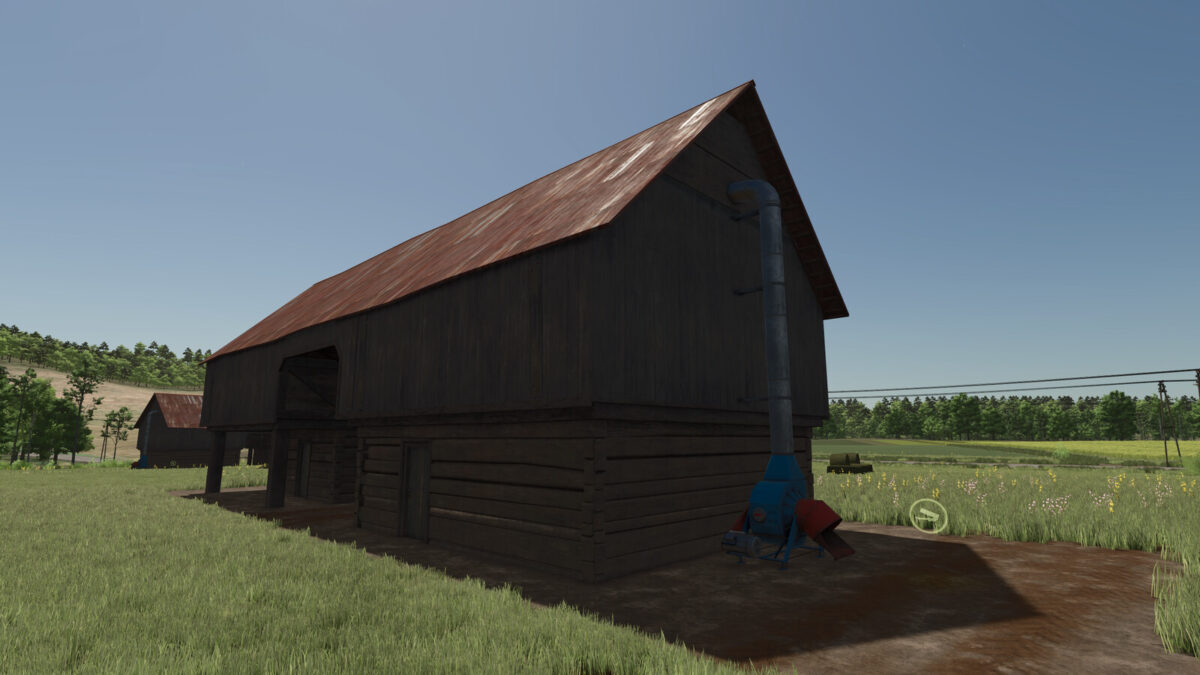
Old Hay Loft v1.0.0.1
Old Hay Loft:
Category: Silos
Price: 63500$
Daily upkeep: 40$
Storage Capacity: 350000 l.
Silo accepts STRAW, HAY, SILAGE and TMR, GRASS and CHAFF.
!!!(note that GRASS and CHAFF going to be converted into HAY and SILAGE,
you can not take them out as GRASS or CHAFF, ones the are unloaded in the building)!!!
Changelog: 1.0.0.1
The Hay Loft was equipt with powerful modern dryer and fermenter.
They give you the ability to almost instantly convert/ferment fresh cut GRASS into Hay, and also CHAFF into SILAGE.
This fast process comes with it’s downside effects and you will lose beteen 5 ~ 15% of your incoming crops (GRASS & CHAFF).
This will save time and lower expenses, so you have time to focuse in something else around your farm.
The conversation ratio is:
CHAFF to SILAGE – 0.95
GRASS (GRASS_WINDROW) to HAY (DRYGRASS_WINDROW) – 0.85