

Old Shed Pack v1.2.0.0

Old Shed Pack v1.2.0.0
About the mod:
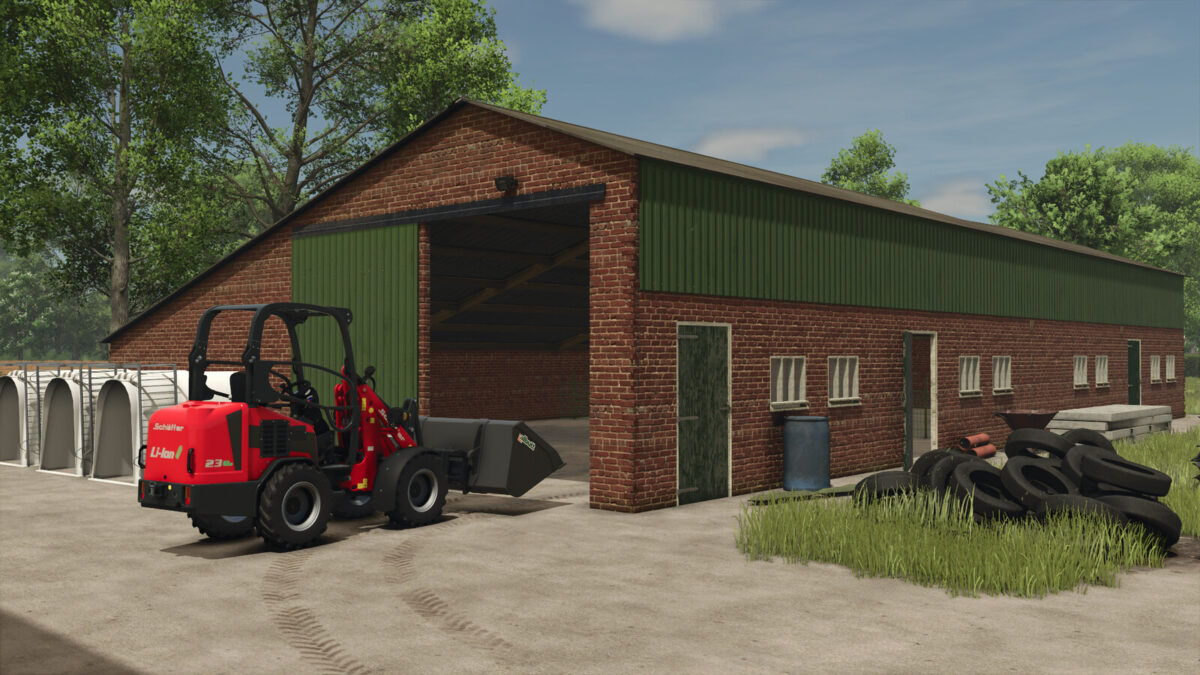
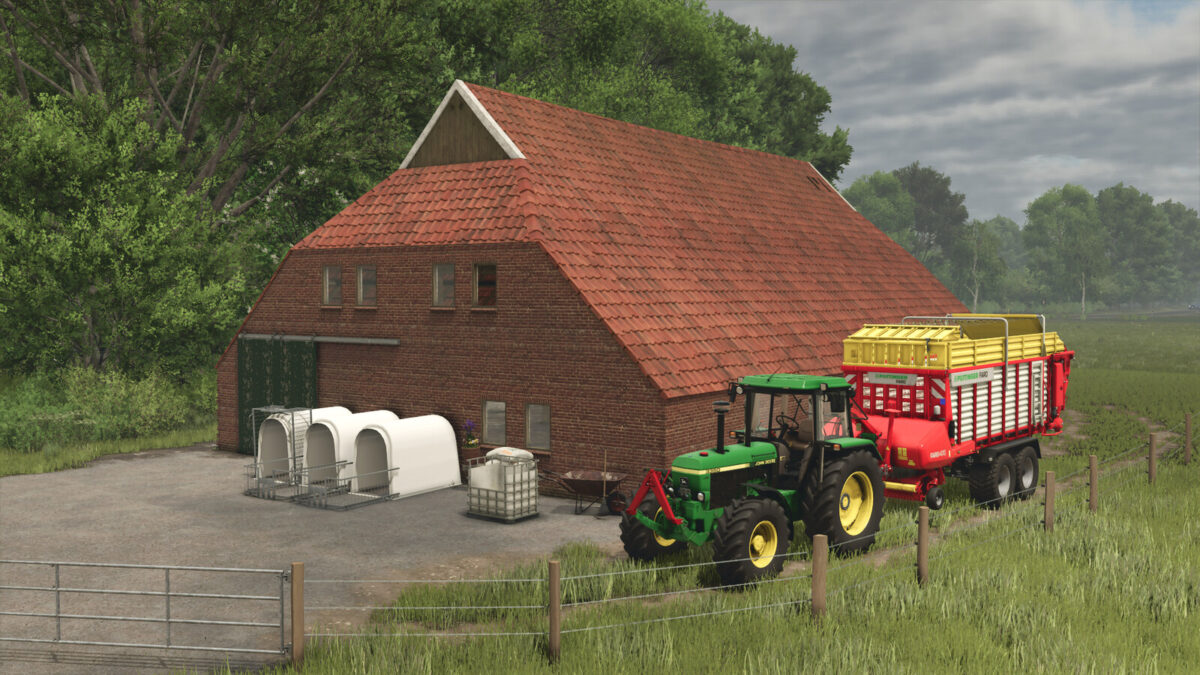
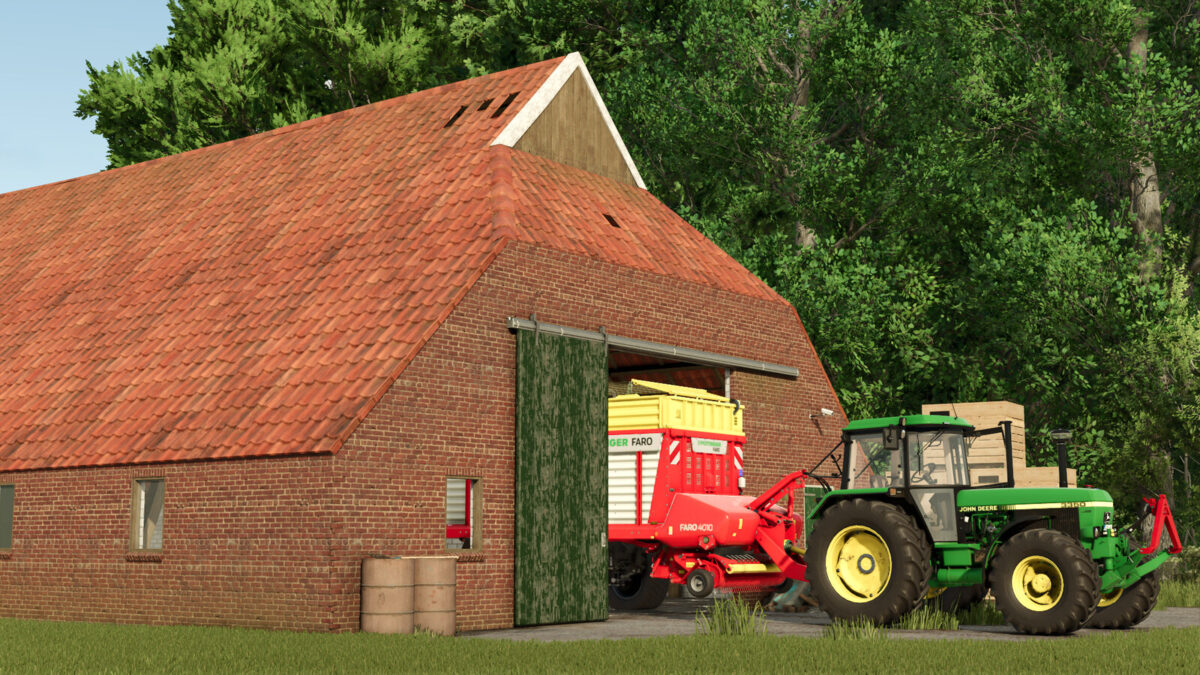
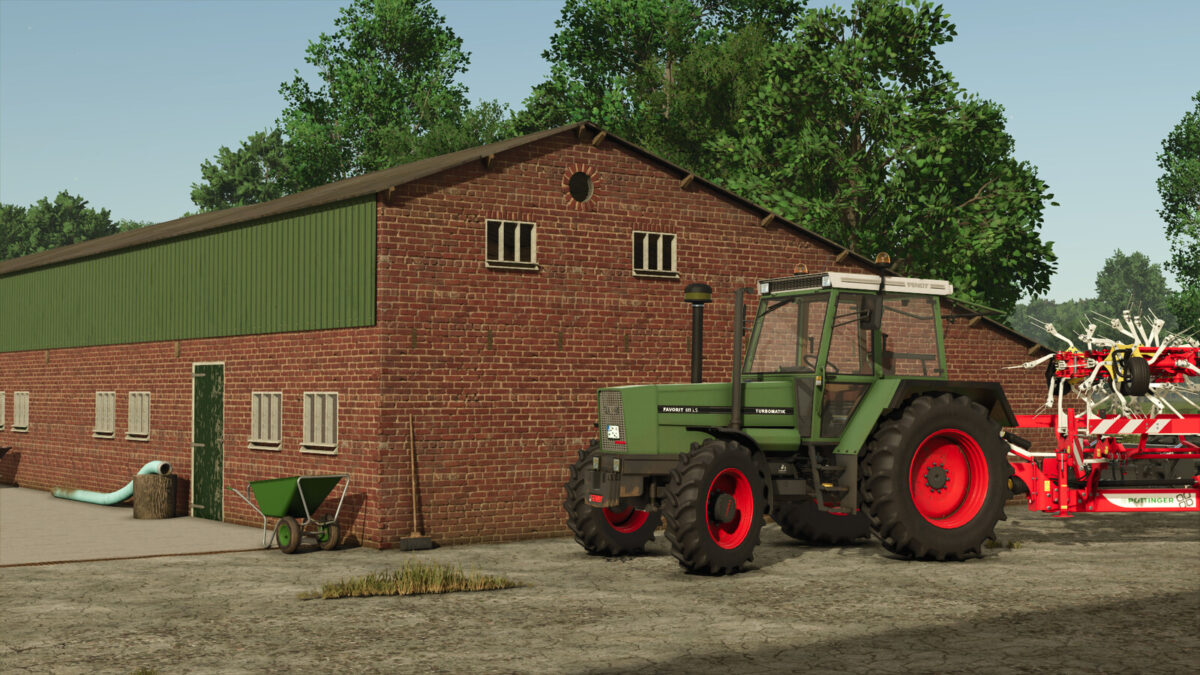
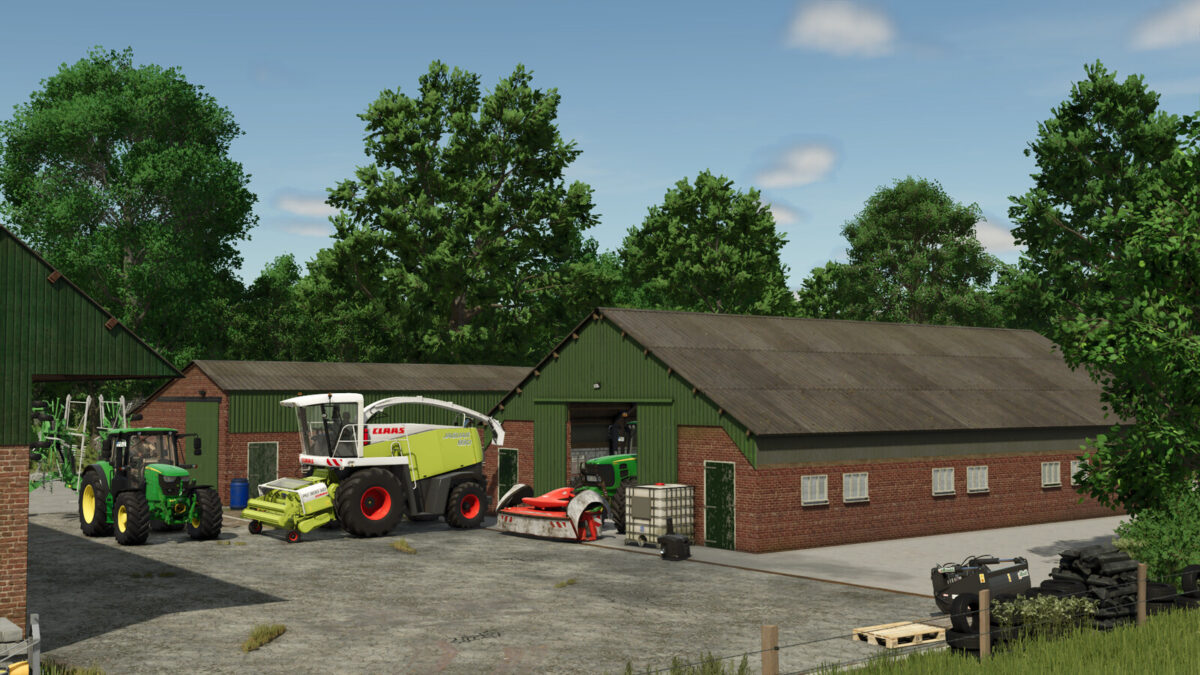
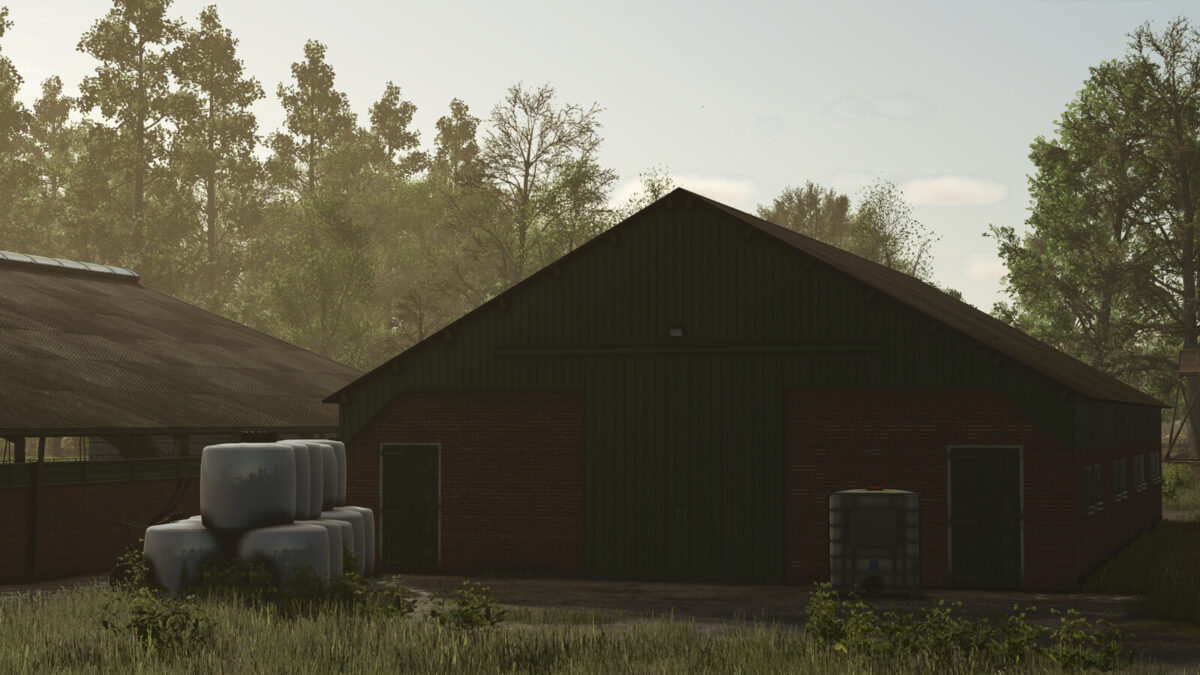
Two old sheds. Both are luckily big enough to be still used with modern small to medium machinery.
Small Garage 1:
Price: 44.500 $
Daily maintenance: 25 $
Chicken shed 1:
Capacity: 100 chickens inside and also storage for machinery.
Price: 44.500 $
Daily maintenance: 25 $
Category: Animal Pens
Chicken shed 1 (without animal option):
Price: 24.500 $
Daily maintenance: 25 $
Category: Sheds
Small Garage 3 (S3):
Price: 24.500 $
Daily maintenance: 25 $
The sheds have no configurations
Changelog 1.2:
– Added option to buy Chicken shed 1 without animals.
Changelog 1.1:
– Added another shed
Credits:
[DMI]20mmNormandy