

Placeable Sell Points v 1.0.1.0


Placeable Sell Points v 1.0.1.0
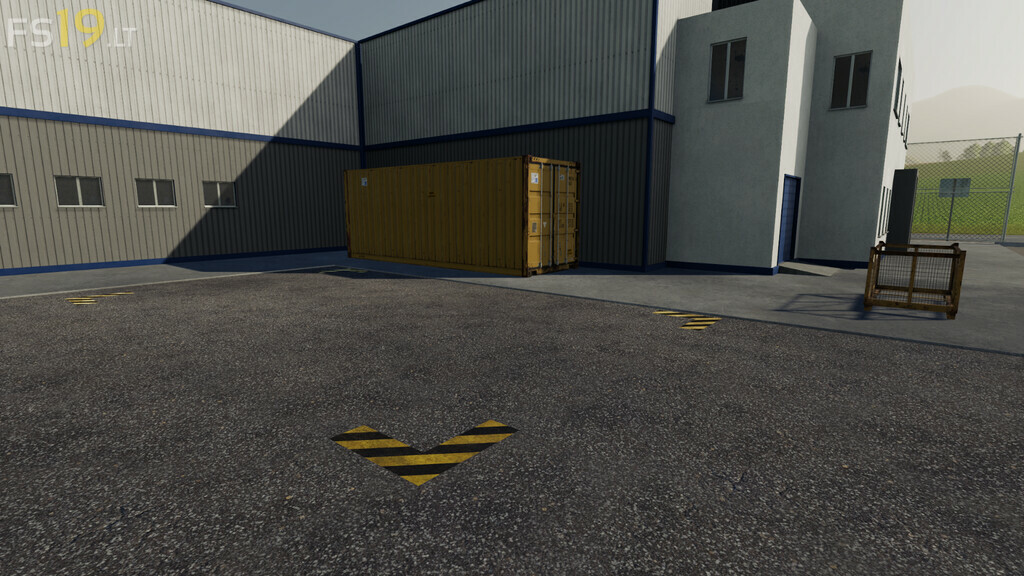
This mod contains a selection of simple sell points that you can use to convert any location on the map into a specialised sell point. For example, you may want to sell milk and eggs at the transport mission ‘Dairy’ location on Ravenport, sell grain at a ‘Windmill’ or sell all types of produce at a ‘Wholesalers’. It can also be used convert a decorative placeable into a sell point, or when there is not room to add another building to an existing building layout. A template xml file is included if you would like to create additional custom sell points to personalise your map.
Features:
– The placement of any sell point is performed as usual from the shop
– Sell points are completely free to purchase with no landscaping fees
– You can place on any owned or unowned land (including on land that cannot be purchased)
– Land will be levelled to ensure that the markings are in contact with the ground
– Only one instance of any name is allowed, so that there is no duplication of names on the prices chart. This also includes the names of any existing sell points on the map, such as the ‘Barn’ on Ravenport or Felsbrunn.
– You can place multiple Lumberyards
IMPORTANT: After purchase, the sell point is not owned by anyone. This allows you to continue to buy or sell land after placement. It also means that after purchase you can never sell the item (since it is not in your garage). Please save the game before placement in case you want to move it.
Version 1.0.1.0:
* Fixed a Bug that prevented saplings from being planted