

Playable Garden Chess Set v1.1.0.1

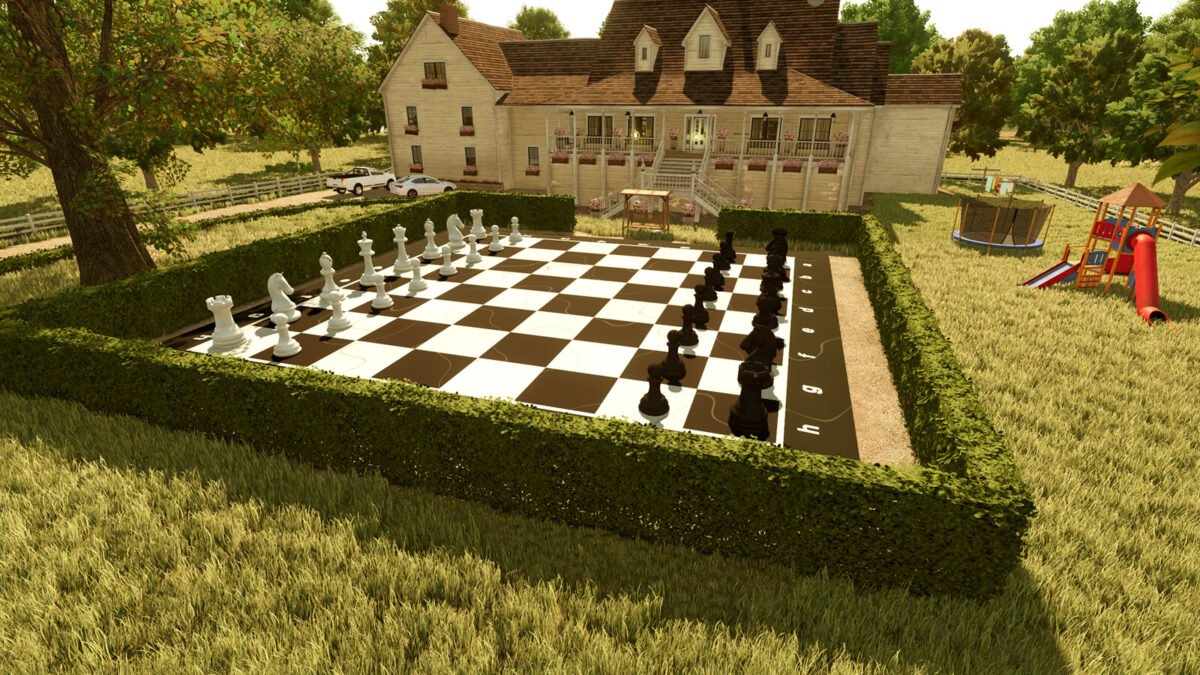
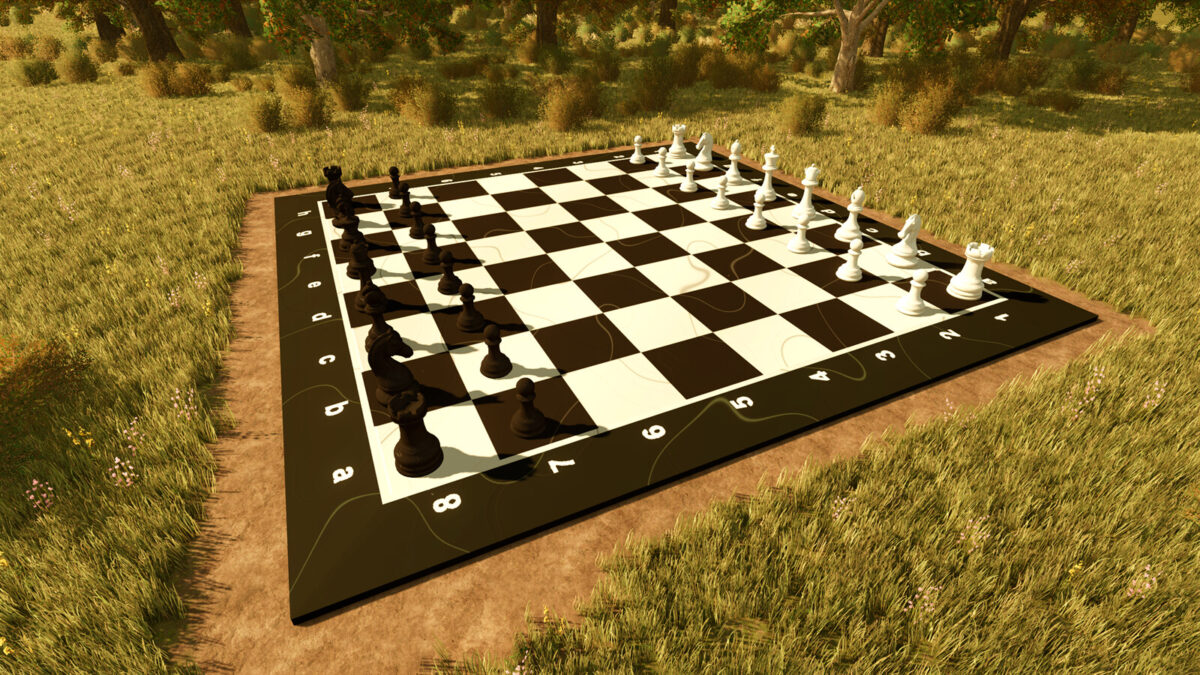
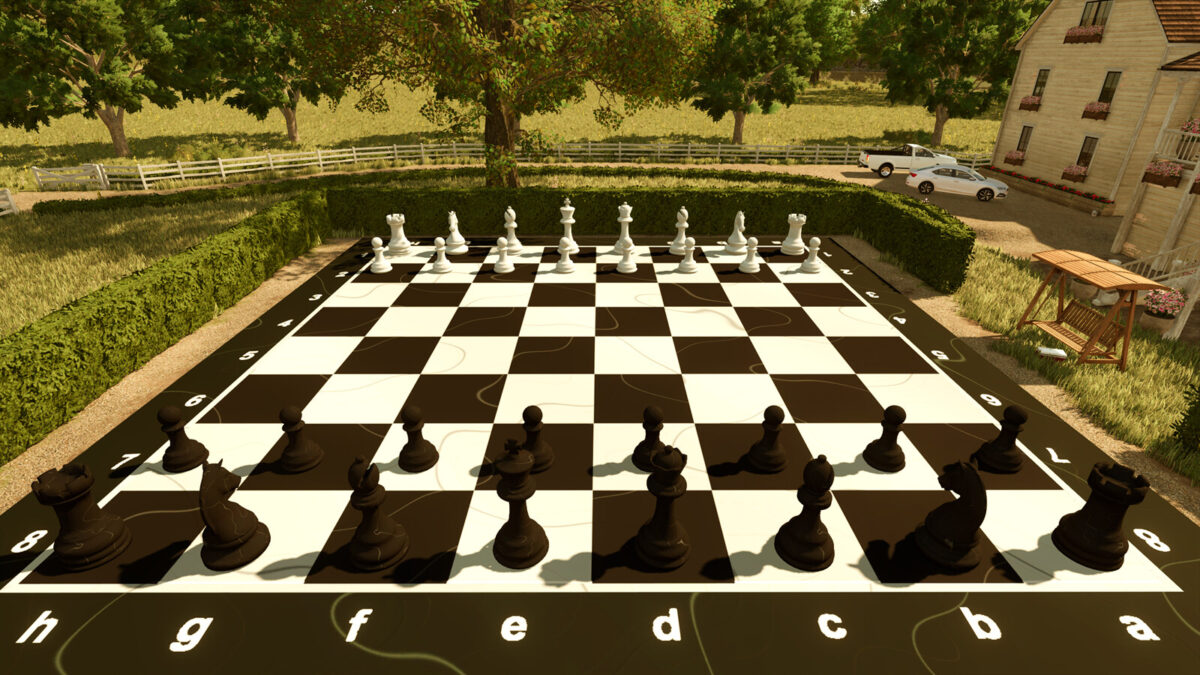
Playable Garden Chess Set v1.1.0.1
Choose between two Garden Chess Board versions in Construction > Decoration.
Garden Chess Board (Decoration): $12,500. A complete board with 32 pieces already arranged for decoration or single-player use. Sell the complete set as one placeable. Use the Multiplayer version for shared play.
Garden Chess Board (Multiplayer): $8,500 for the board only. Buy the six piece types separately from the Pallets category in the shop for $125 each. Choose white or black marble and quantities from 1–8. Pieces are separate hand-movable, sellable objects with synchronized and saved positions, using normal farm access permissions.
Both boards: $100 daily upkeep, 16 m playing surface with 2 m squares.
Changelog 1.1.0.1:
– Updated Garden Chess Board (Decoration), a complete set with 32 pre-arranged movable pieces.
– Added Garden Chess Board (Multiplayer), a board-only option for use with separately purchased pieces, allowing actual play between friends in multiplayer.
– Added six individual piece types in the Pallets shop category, each with white or black marble and quantity selection from 1 to 8.
– Enabled individual piece selling through the vehicle overview and dealer.
– Increased piece weight to 199.9 kg and lowered the centre of gravity for improved stability.
– Updated both shop images and the mod icon.
– Previously placed boards are considered the “Garden Chess Board (Decoration)” type.