

R.D.C. Map 2.0

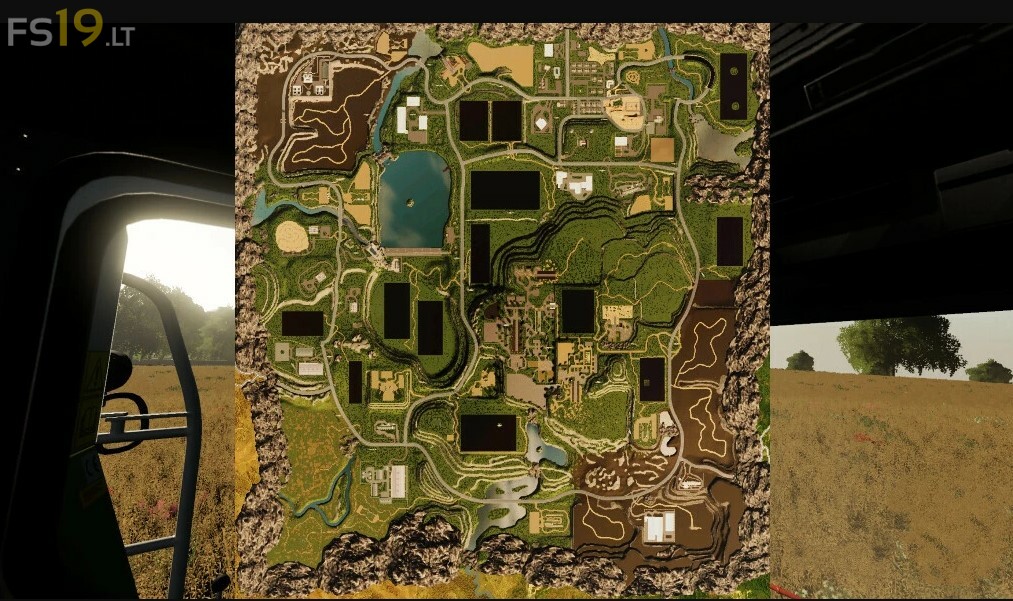
R.D.C. Map 2.0
About the mod:
Version 2.0:
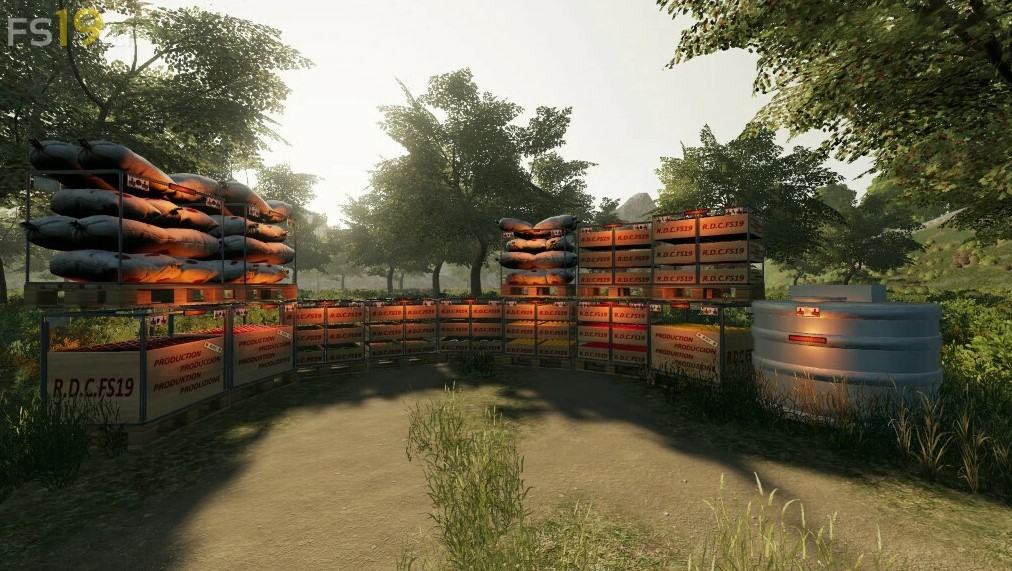
Changes in Fruit Collection Boxes:
* Increased the Pickup Speed to Double
Reduced the Collection Boxes of Fruits and Products to 3 Groups:
* Group 1: Tomato, Lettuce, Cauliflower, Carrot, Apple, Orange
* Group 2: Cherry, Olive, Grape, Acorn, Chestnut, Almond
* Group 3: Honey, Resin
Stables:
* Added Bale Area Information
Counter Weights:
* Added to the Counter Weights the Option of Placing Flags
New Content:
* Irrigation System with Sprinkler Cannon
* Irrigation Cannon of 60 m Radius (120 m working width)
* Irrigation Cannon with a 30 m Radius (60 m working width)
* New Boxes to reduce Spaces
* Pennants on Counter Weights
Other changes:
* Retouching some Icons and Lights in Orchards, Fruit Fields, etc…
Credits:
Alberto