

Realism Assistant App for FarmingOS v1.0

Realism Assistant App for FarmingOS v1.0
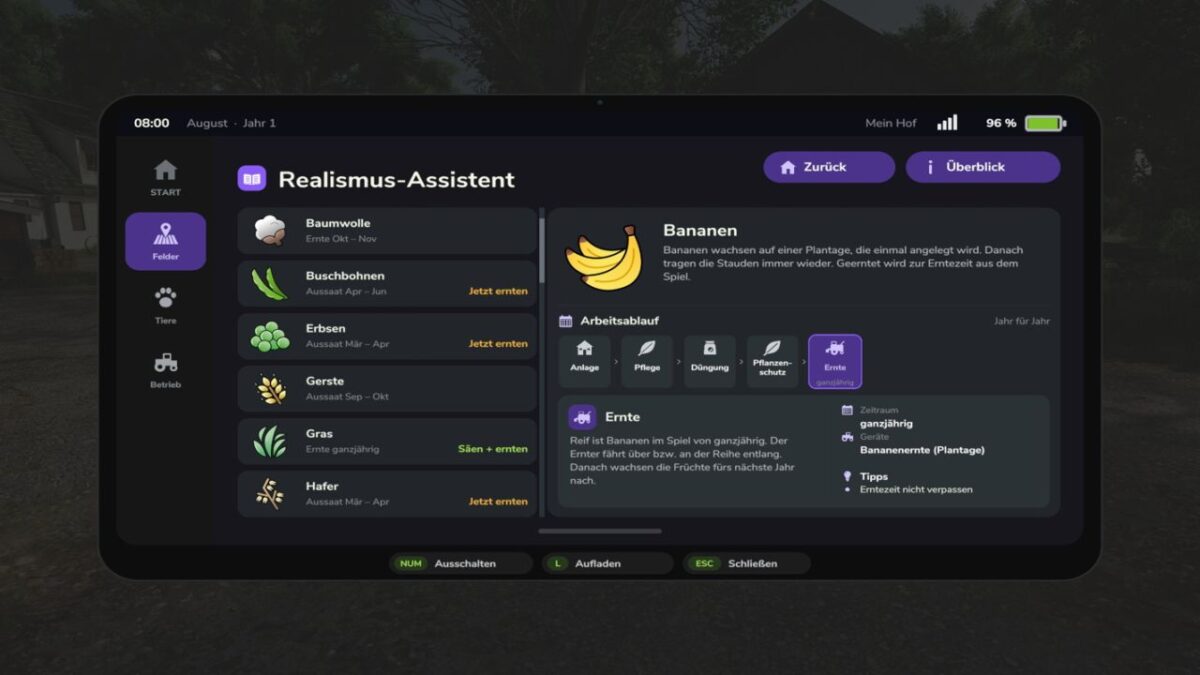
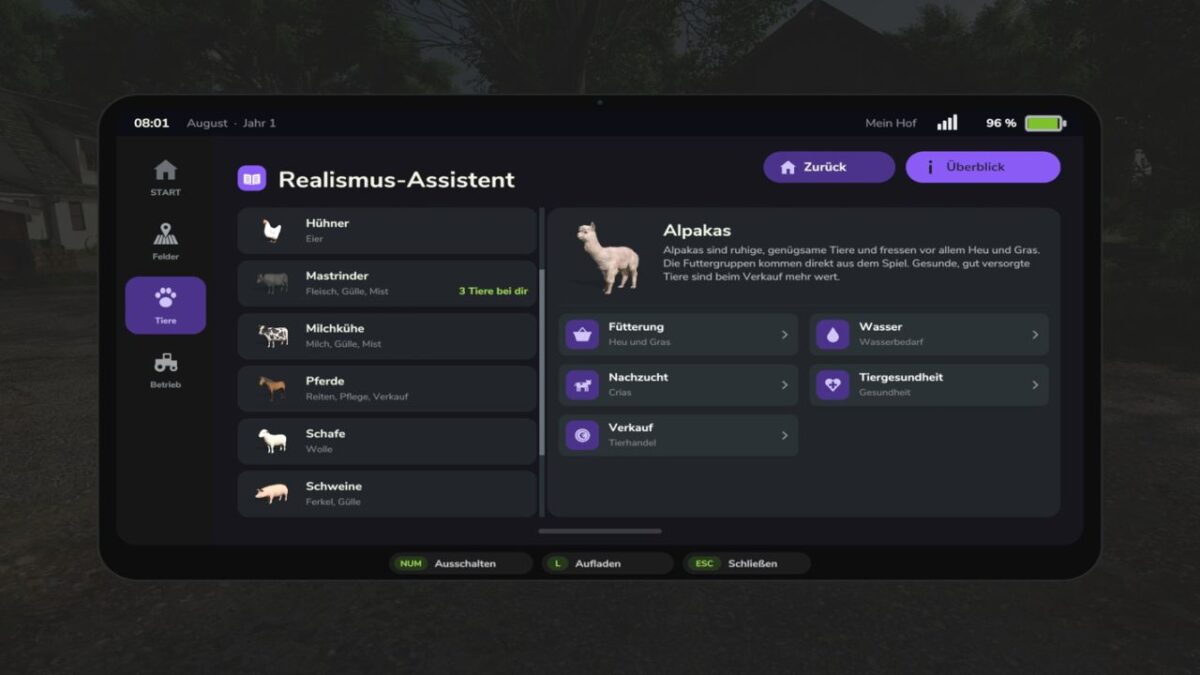
The FarmingOS Realism Assistant expands your FarmingOS tablet with additional information for a more realistic and better-planned farming routine.
It helps you keep track of upcoming tasks and important connections related to crop cultivation and animal husbandry.
OVERVIEW OF FEATURES
Crop farming: Information about crops as well as sowing and harvesting periods.
Work processes: Keep track of important work steps and upcoming measures.
Crop management: Additional information on care, fertilization and plant protection.
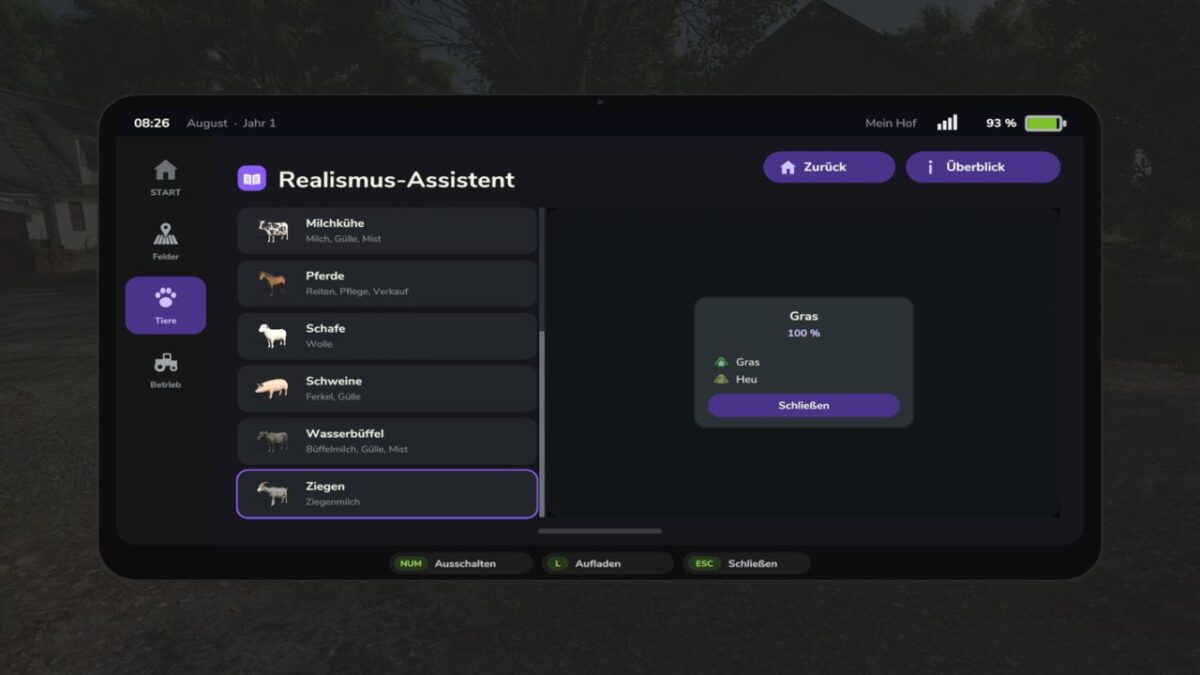
Animal husbandry: Information about animal species, feeding and water supply.
Animal health: Keep track of important aspects of animal health and development.
Animal management: Supportive information on reproduction and marketing.
STANDALONE ADD-ON
The Realism Assistant is an optional add-on for FarmingOS.
It is not included in the FarmingOS main mod and must be downloaded and installed separately.
AVAILABLE LANGUAGES
German, English, French, Polish, Hungarian, Russian and Czech.