
SiloPilot v1.0.0.0

FS25 mods

SiloPilot v1.0.0.0

SiloPilot v1.0.0.0

SiloPilot v1.0.0.0

SiloPilot v1.0.0.0

About the mod:

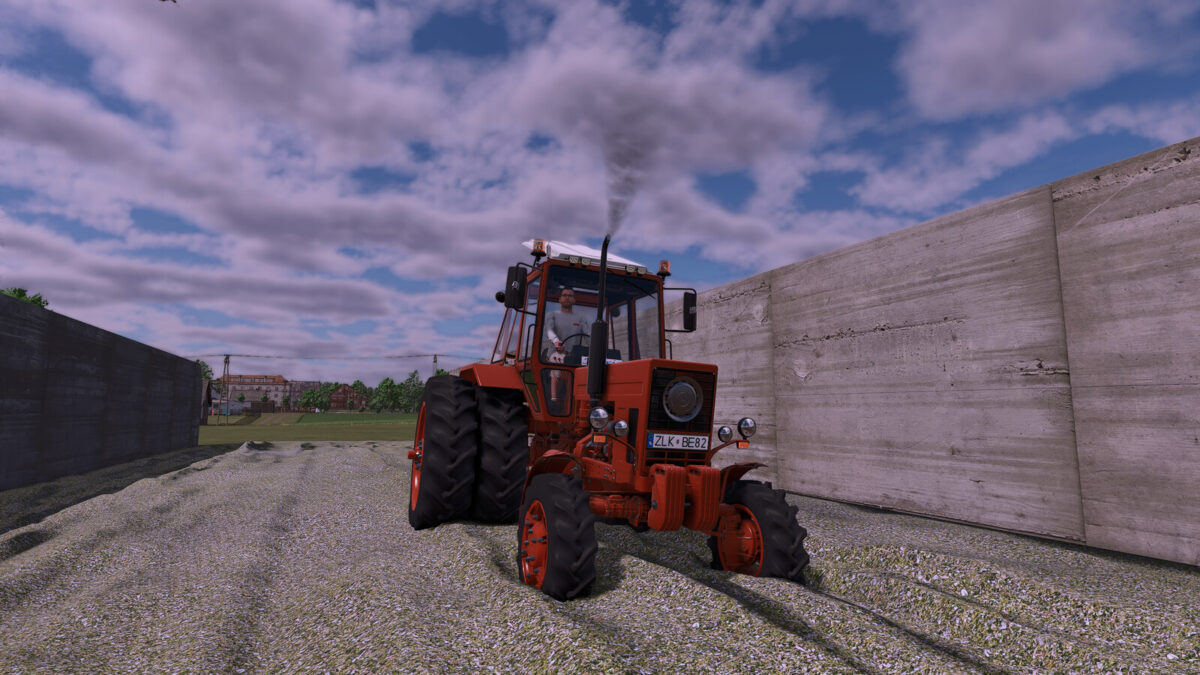
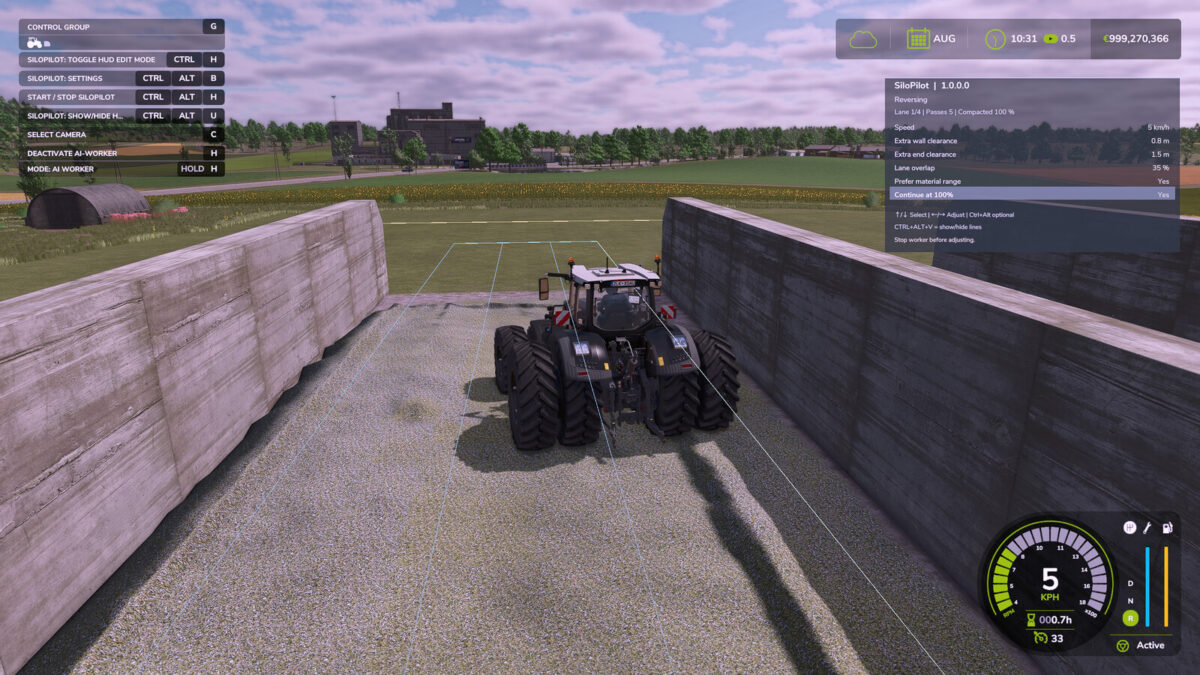
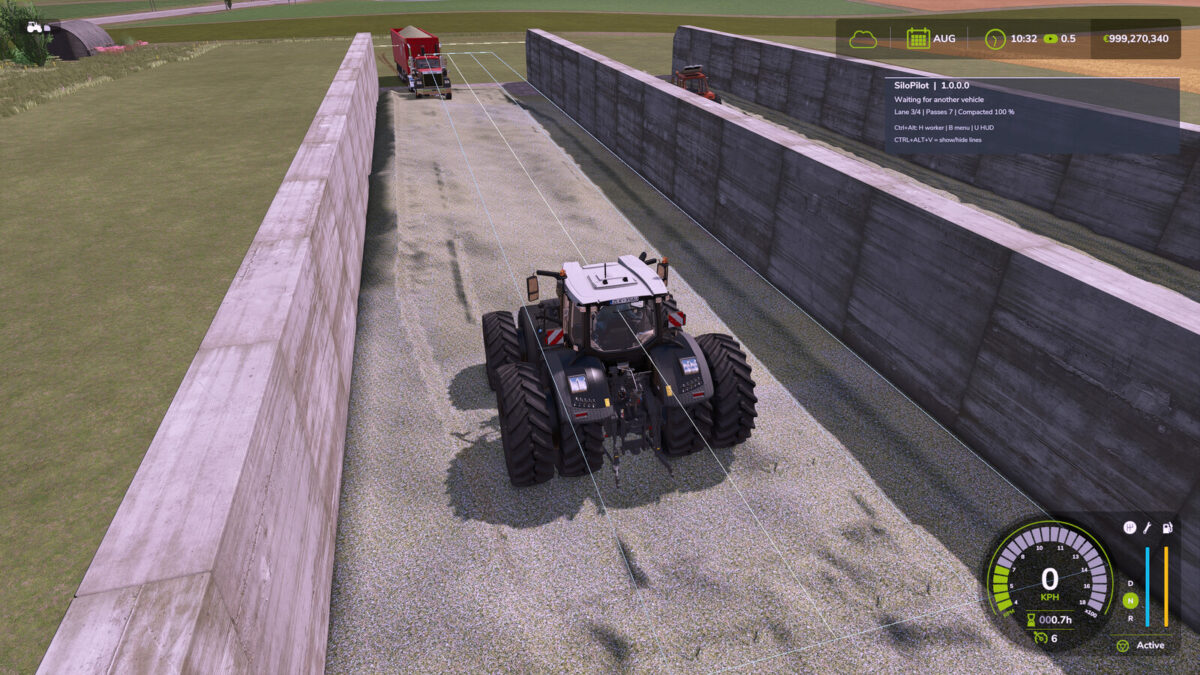
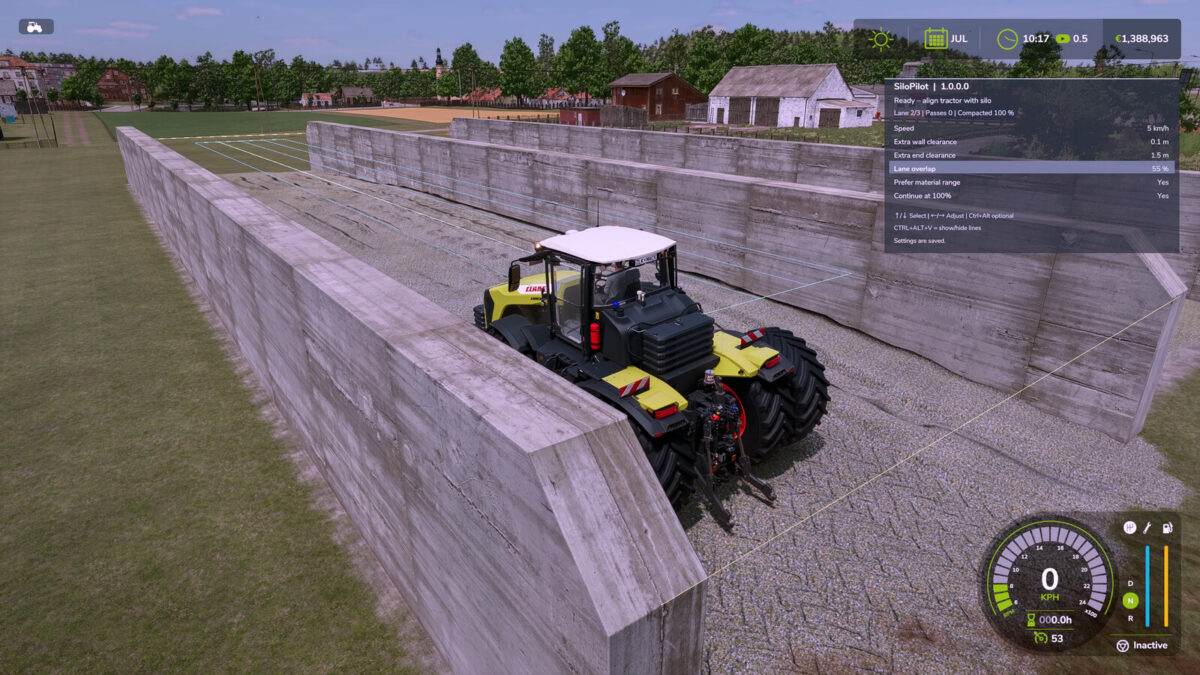
SiloPilot is an independently developed bunker silo helper for FS25. It drives forwards and backwards along calculated lanes and waits for delivery vehicles.
– CTRL + ALT + H starts/stops the helper
– CTRL + ALT + B opens the settings
– CTRL + ALT + V shows the guide lines
– CTRL + ALT + U shows/hides the HUD
– CTRL + H enables/disables HUD edit mode; hold the left mouse button to move it
– CTRL + R resets the HUD position; the position is saved locally
– The HUD and settings are only available inside a bunker silo
– Up/Down arrow keys select the setting; Left/Right arrow keys change its value
– Wall and end clearances can be set from 0.1 m
– The “Continue at 100%” option allows additional passes even after full compaction

Credits:
DtP Mario

How to install FS19 mods?

Firstly find a mod which you like and want to download. Then download a mod to your PC. Mods are usually in .zip format file. But sometimes it can be in .rar. If a mod file is a .zip format no needed additional actions. If a file is in .rar, then you must unarchive mod with software like WinRar or Zip7. Windows 10 users no need to use software for archives, Win10 itself has a feature to unarchive files.

The next step is to find mods folder in your PC. Usually, it is in Documents/My Games/Farming Simulator 19/2019. Open the "mods" folder and put downloaded .zip archive or unarchived .rar file to this folder.

Last step. Enjoy of FS19 mods!

Leave a Reply

Your email address will not be published. Required fields are marked *