

Sky Agriculture IsoBUS Screens Pack v1.0.0.0

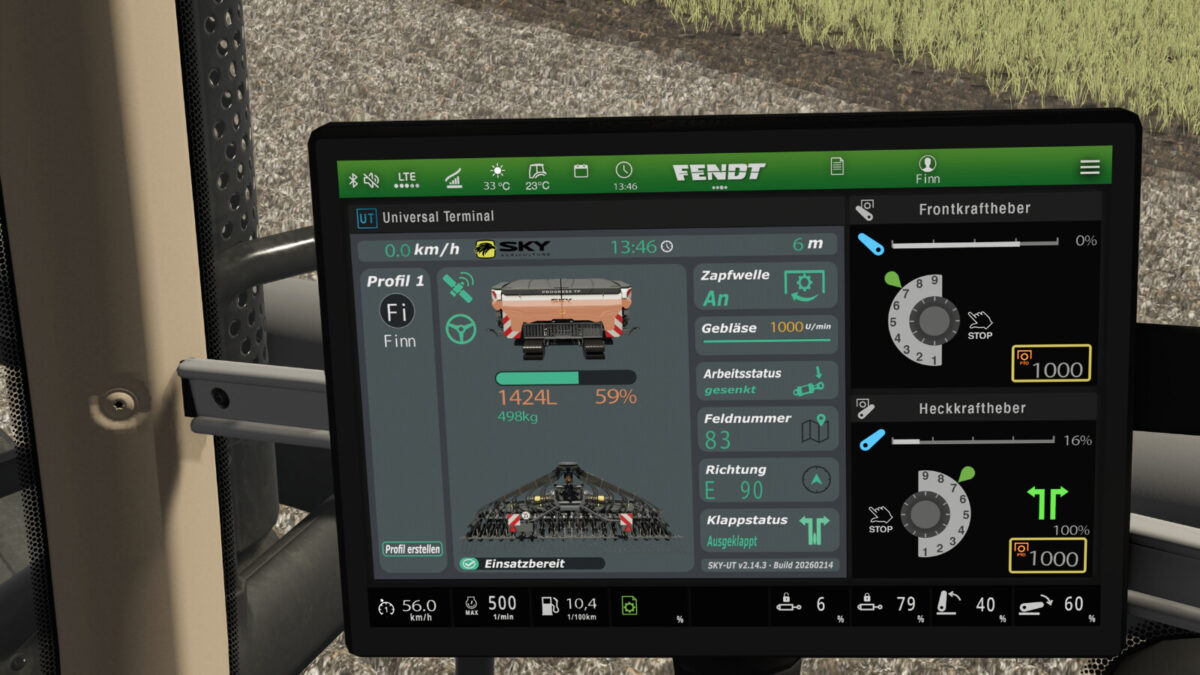
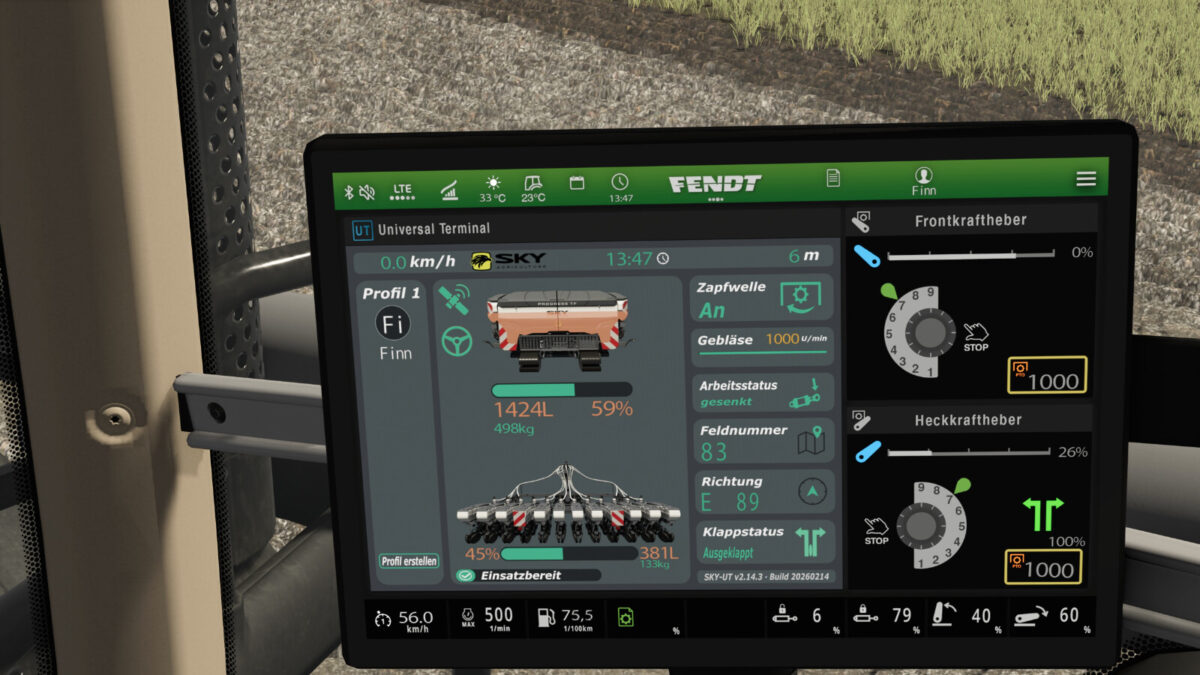
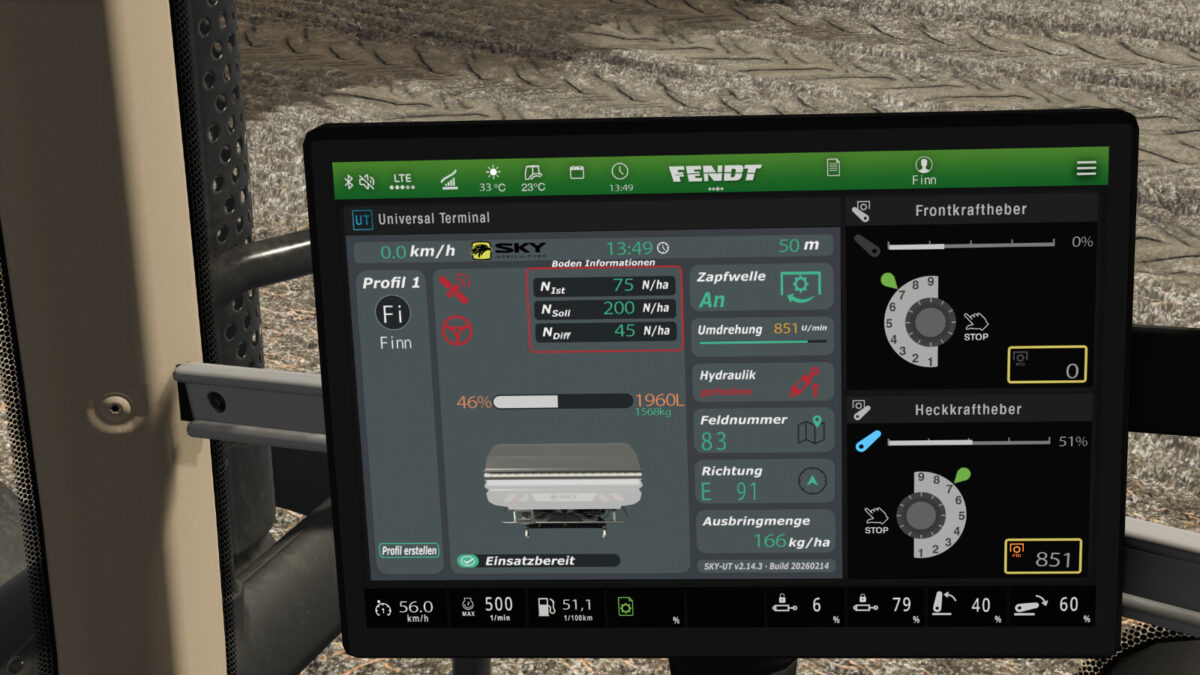
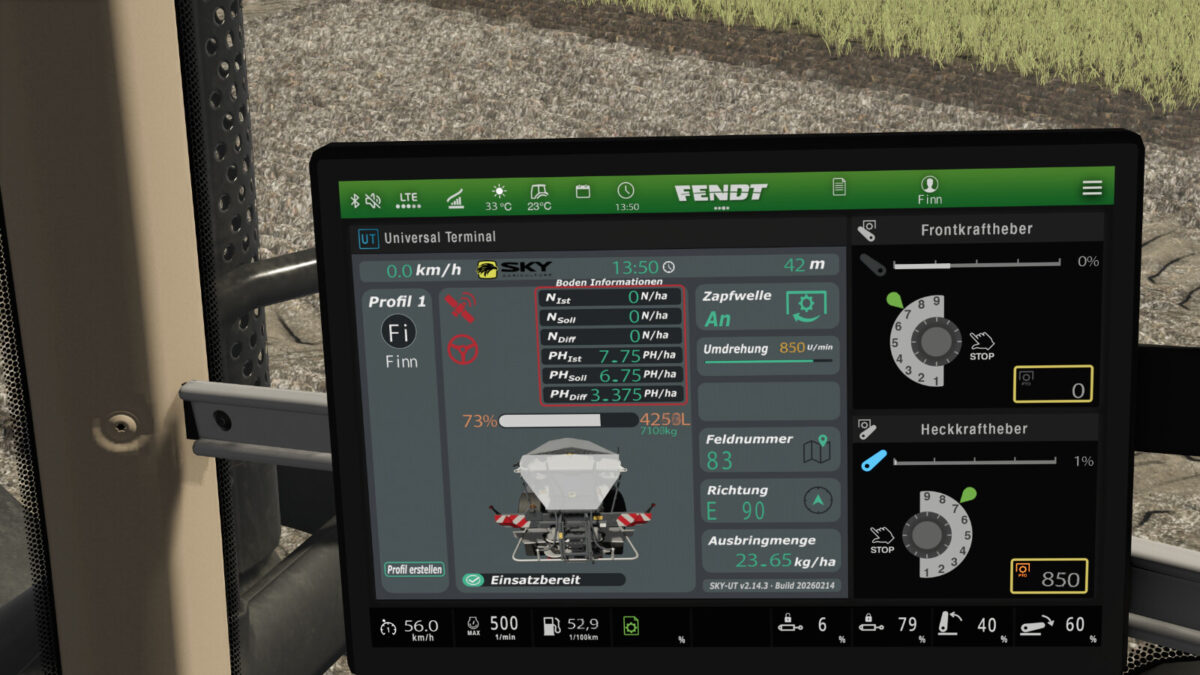
Sky Agriculture IsoBUS Screens Pack v1.0.0.0
The Sky Agriculture IsoBUS Screens Pack adds Dashboard Live isoBUS terminals for the implements of the Sky Agriculture DLC.
These screens are assigned to the DLC implements via scripts and do not change anything in the DLC files.
This pack includes screens for every implement of the DLC.
Implements with their own screen:
-HRW 6000.36 / Power Harrow
-HR 300 (4M) / Power Harrow
-HR 300 (3M) / Power Harrow
-Methys HDS TW12000 / Disc Harrow
-Progress P50 / Seeder
-Progress P100 / Seeder
-P100 / Seeder
-Easydrill P250 / Seeder
-Sonic PPF 300/12 / Planter
-X50+ Econov / Fertilizer Spreader
-Falcon T240 / Fertilizer Spreader
The mod also works flawlessly with combinations of power harrow and seeder.
In that case, the screen of the seeder is simply prioritized and loaded.
These screens only work on tractors or terminals that support the isoBUS function of DashboardLive.
Currently, this function is only available on John Deere tractors, which have the terminals from DashboardLive VanillaVehicles built in.
To get this function on Fendt as well, the GitHub hotfix version of DashboardLive VanillaVehicles is currently required.
Whether this function will also come to other tractors is up to the developers of DashboardLive.