

SW Manitoba 4x Map v1.0.0.3

SW Manitoba 4x Map v1.0.0.3
V1.0.0.3
Major Additions
Integrated my own script into the map that corrects the yield and allows the ability to mow grass and aquatic vegetation on non-buyable lands; the vegetation regenerates in September for a short season second cut;
Minor Additions
removed dead end productions
corrected production lines for oils, canned products and groats
added water as a fill type to the integrated livestock barns
corrected farm buildings to be sellable
re-organized town buildings for easier access (flour mill)
add some additional decoration features
corrected an error in silage maize and customized silage maize and maize calendar seasons a bit
corrected the environment for more traditional weather
softened corners in Field 26 in hopes course play may recognize it better
V1.0.0.2
cleaned up artifacts in a few fields
cleaned up snow mask for ai travelled routes (WIP still more to work)
rounded corners and removed sharp/confined turns in a few fields
fixed grass foliage mowing and added mowing of aquatic foliage
Added the ability to mow and bale the road allowances
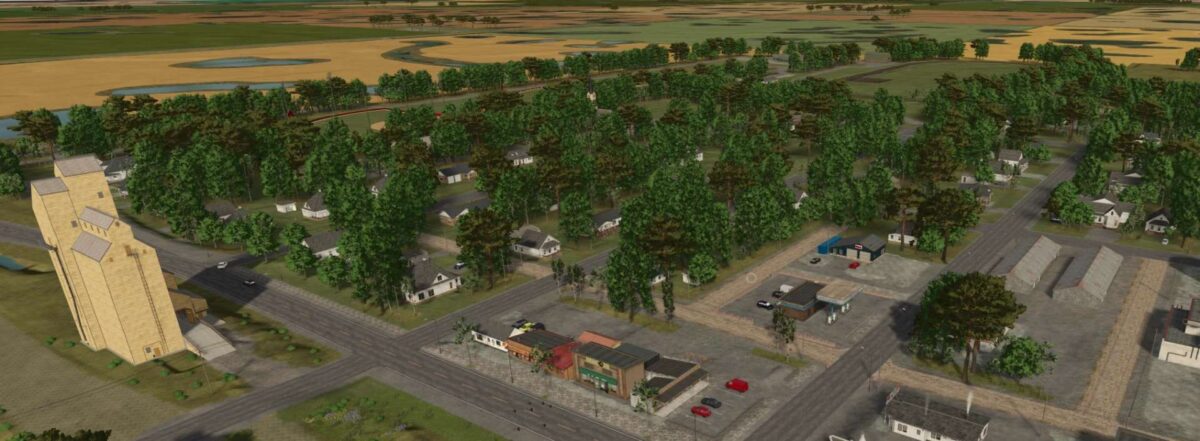
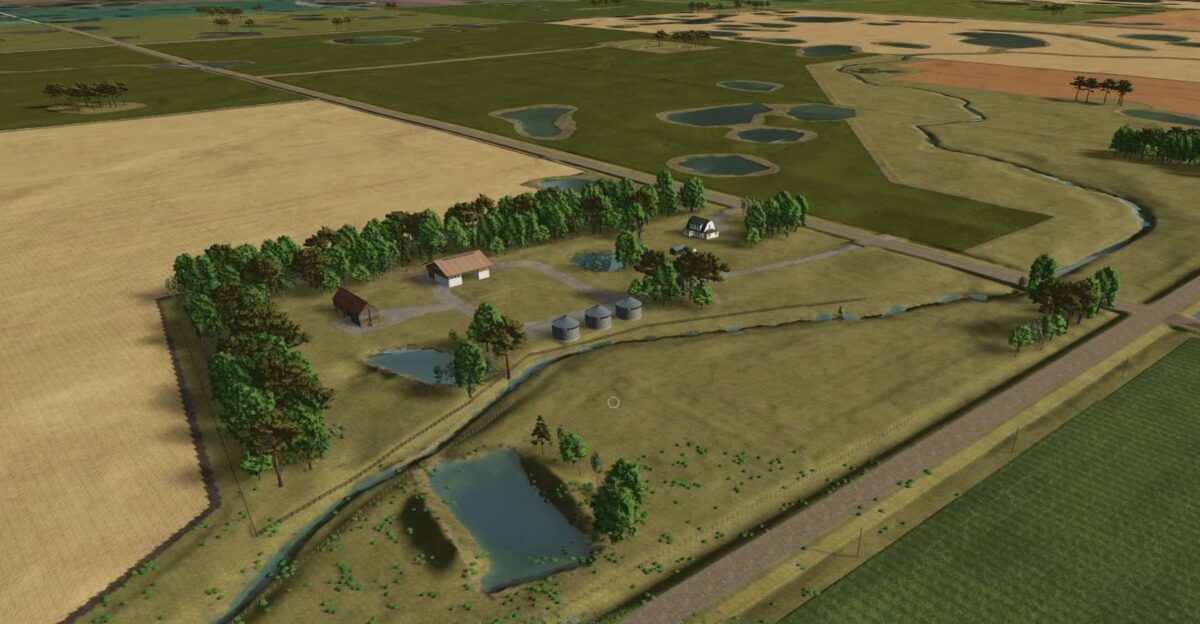
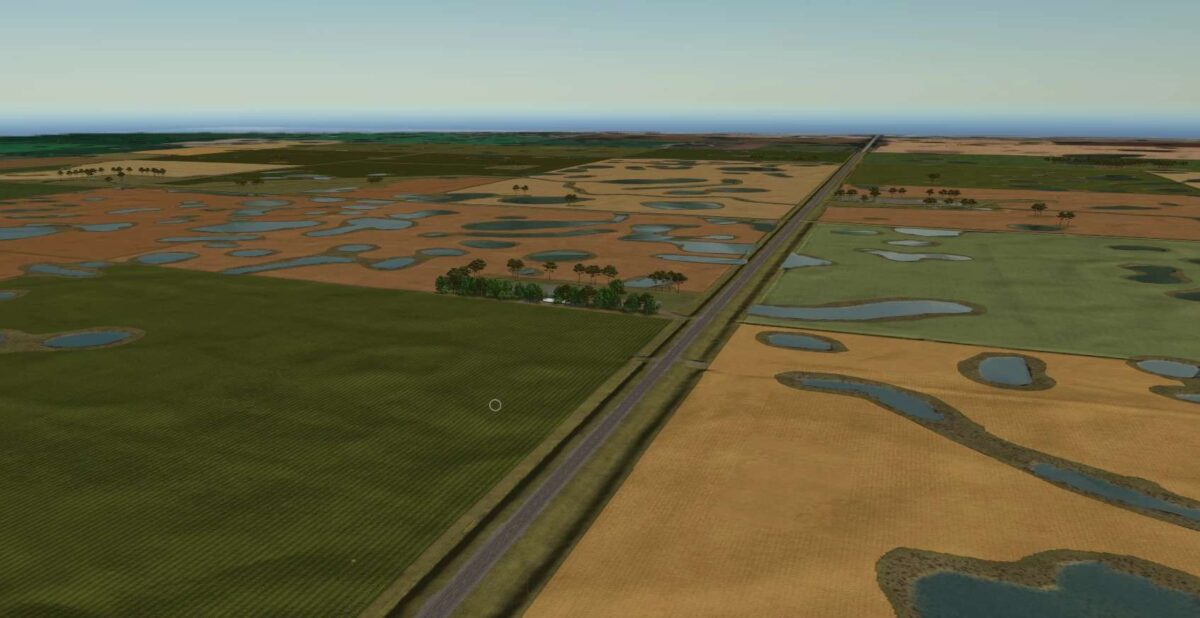
Welcome to the Manitoba Prairies. A 4x map that matches to true world conditions that contains 35 fields of varying sizes from 160 acres to 320 acres, generally, there are some smaller. There are small island fields alfalfa ready and a couple dedicated grass pasture for your mowing and baling needs. There is 10 yards, 4 are prefabricated, the are not for your design. There is a centralized chemical yard for your anhydrous, propane, BGA sell point and some silage bunkers. A municipal water well is located by Field 19 for your water needs. This is a multi fruit map, multi terrain and NH3 ready.