

Thueringen 2.0 Map 2.3

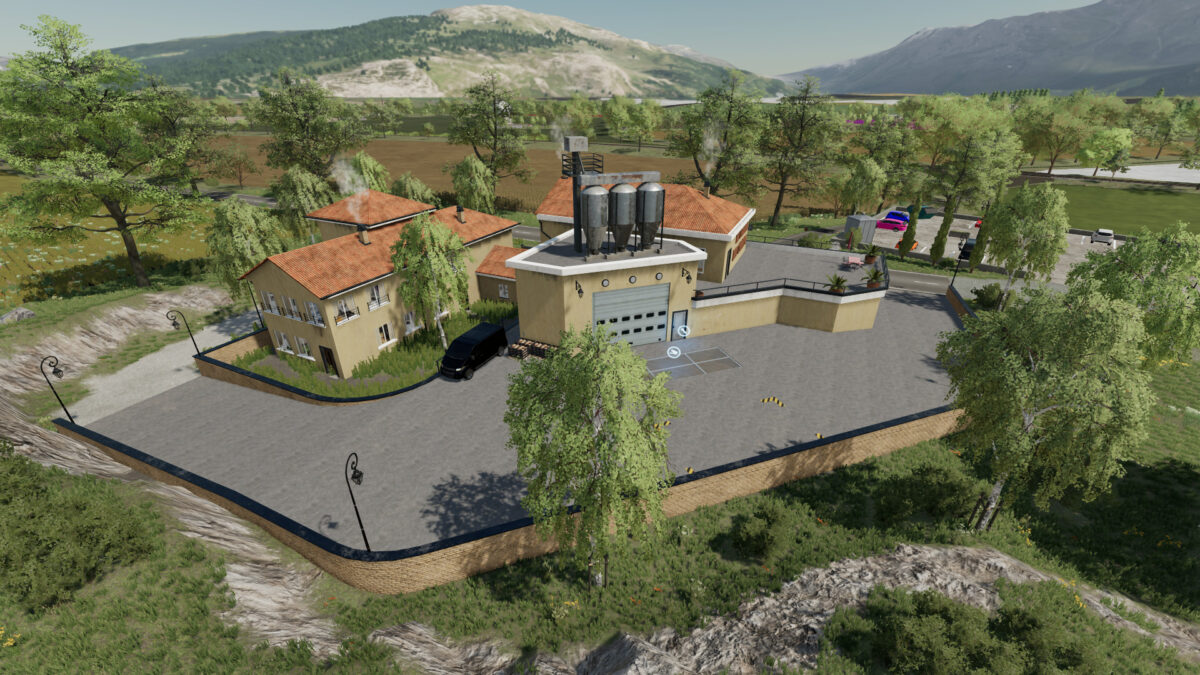
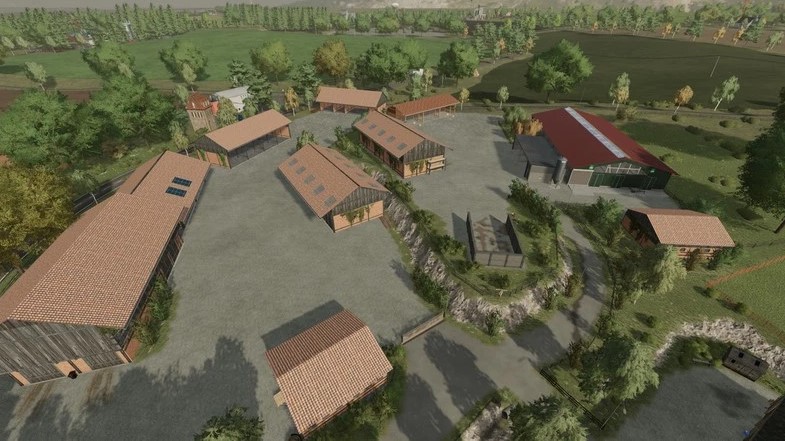

Thueringen 2.0 Map 2.3
Version 2.3:
* Black Forest farm: Cows trigger loose straw installed, added sign for egg output, fixed feed tarpaulin for pigs, fixed milk trigger for sheep’s milk
* Fence moved at HaGe point of sale
* Speed camera shifted
* Berghof: increased milk trigger for sheep
* Capacity of all silos increased to 5 million
* New animals installed
* Goats own barn also installed on the 3 large courtyards
* Additional products goat’s milk and goat’s cheese
* Fixed sheep cheese palette
* Removed export for missions as a sell point
* Functioning traffic light system installed
* Mud installed
* Ki Splines adjusted
* BGA can be sold and stay in place
* Slaughterer adapted to new animals
* Fixed the Berghof manure yard now connects to the cowshed
* Added goats and ducks and minimum age at the butcher for all animals except horses 18 months
* New speed cameras added
* Various other small adjustments