

Tire Shine v 1.0

Tire Shine v 1.0
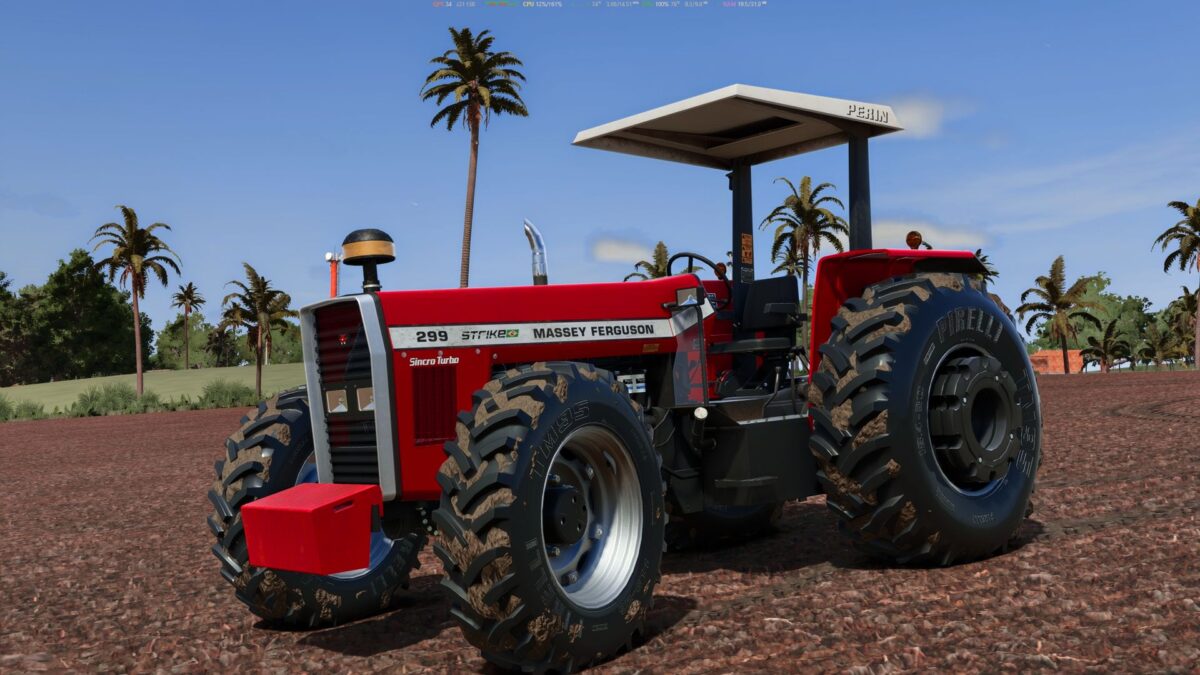
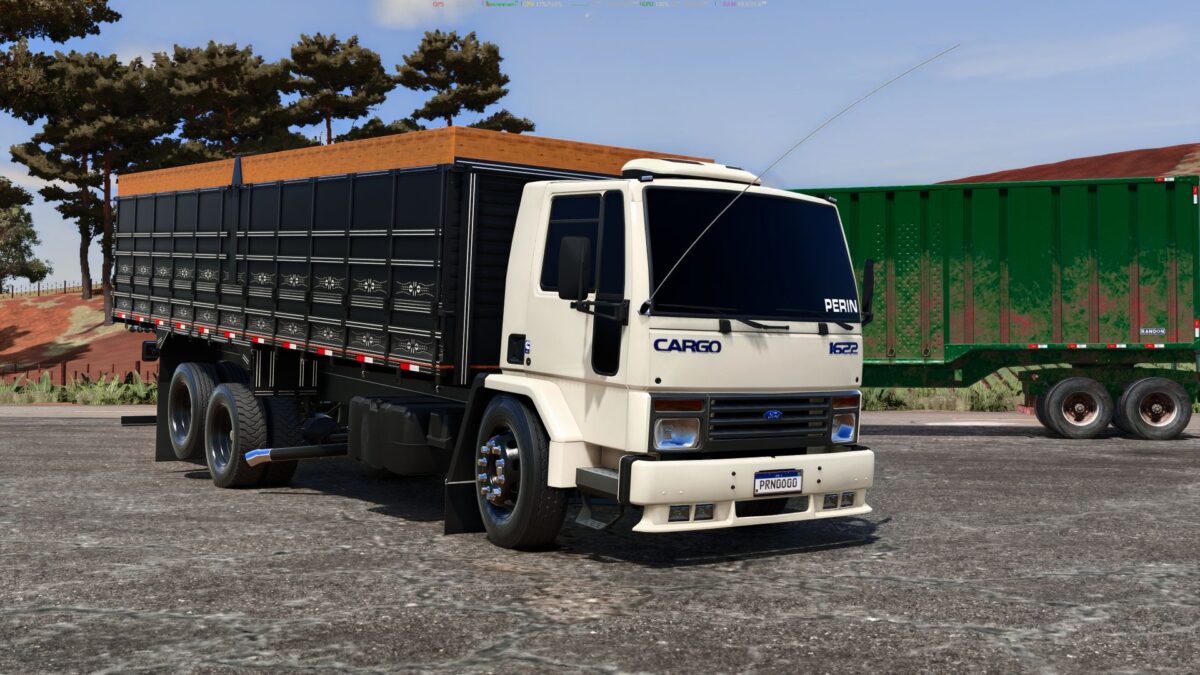
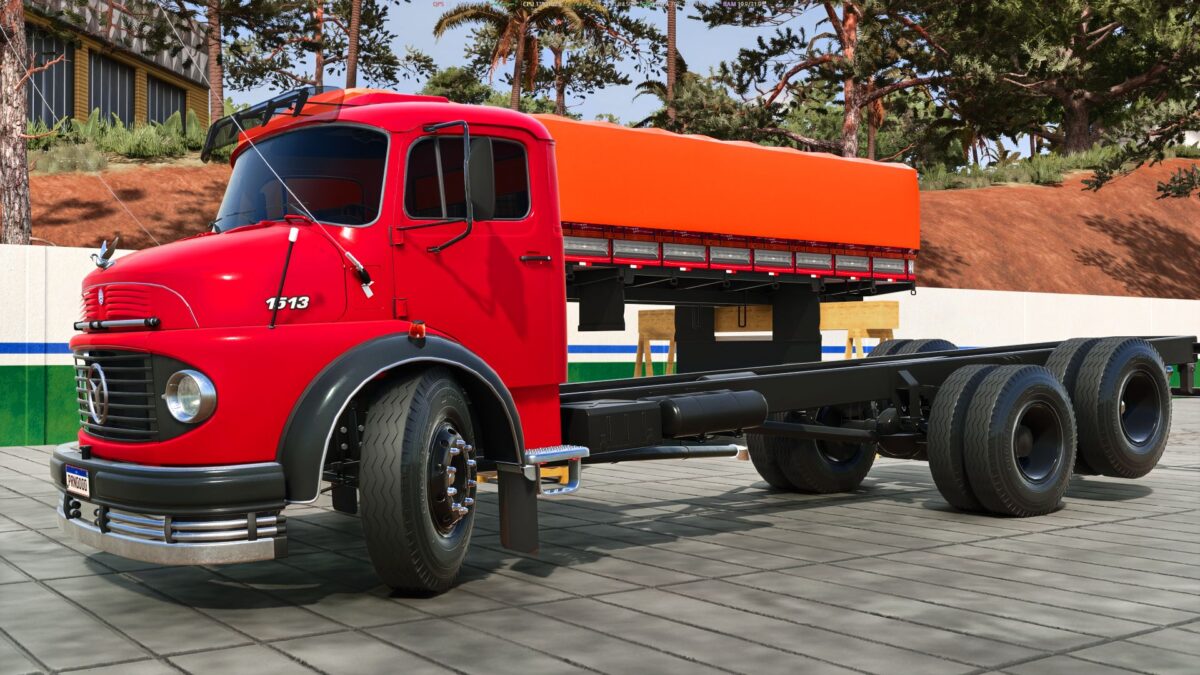
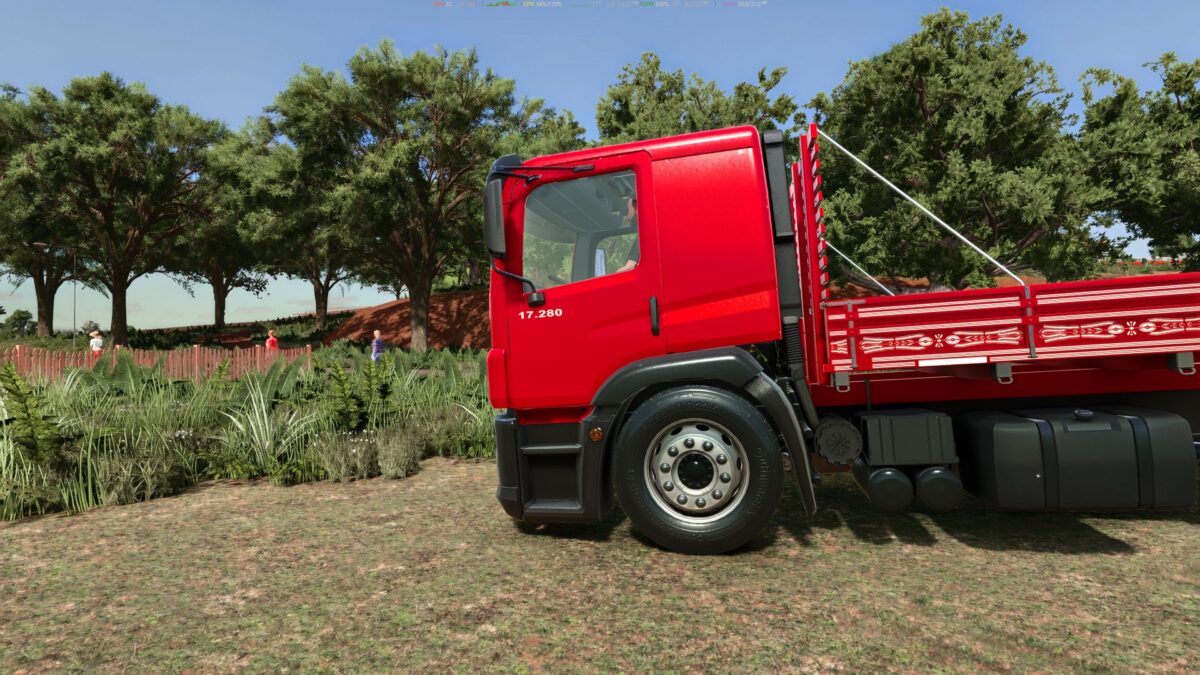
Tire Shine makes your tire sidewalls clean, dark and glossy, just like in real life, with a single keyboard shortcut.
Only the sidewalls get the shine: the tread keeps its original look and gets dirty as you drive. The shine fades as the tires get dirty, so it’s time to apply it again.
Features
Works on any vehicle with wheels, base game and mods: trucks, tractors, trailers and implements
One shortcut applies it to the vehicle and everything attached to it
The shine fades gradually with dirt
Saved with the savegame
Multiplayer: the server controls the shine and every player sees the same result
Shortcut
Right Ctrl + P: apply tire shine (can be changed in the controls menu)
Notes
Tires from mods that use their own custom shader may not receive the effect.
The glossy “wet look” is strongest on high graphics settings.
In multiplayer, the server and all players need the same mod version.