

Toyota Supra Mk4 v 1.0

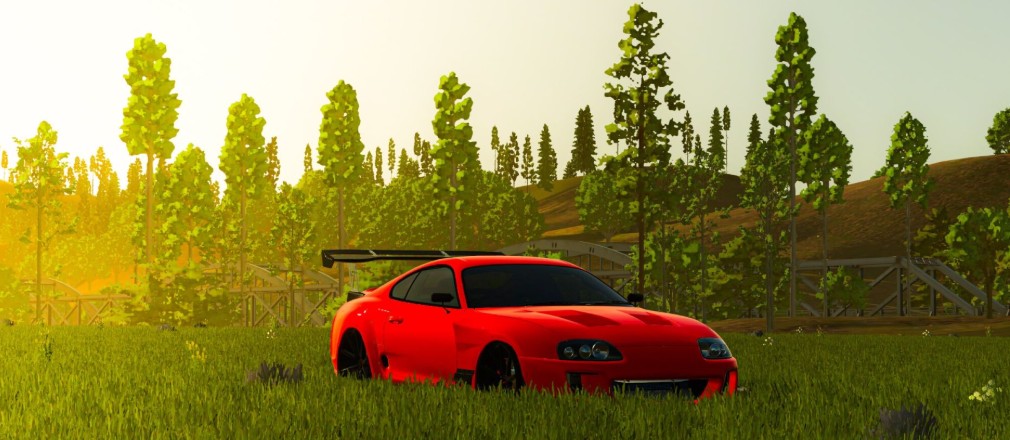
Toyota Supra Mk4 v 1.0
About the mod:
The Toyota Supra Mk4 mod brings iconic street performance into Farming Simulator with a clean, high quality build.
Featuring four unique rim options, players can customize the look to match their style, whether going for a classic or aggressive stance.
The mod also includes a custom engine sound, capturing the signature tone of the legendary 2JZ for a more immersive driving experience.
With four distinct color configurations available, you can easily switch between different looks to stand out on the road or around the farm.
This Supra combines style, sound, and personalization into one sleek package.
Credits:
Rollz mods official