

Tree Mapper v1.0.0.0

Tree Mapper v1.0.0.0
About the mod:
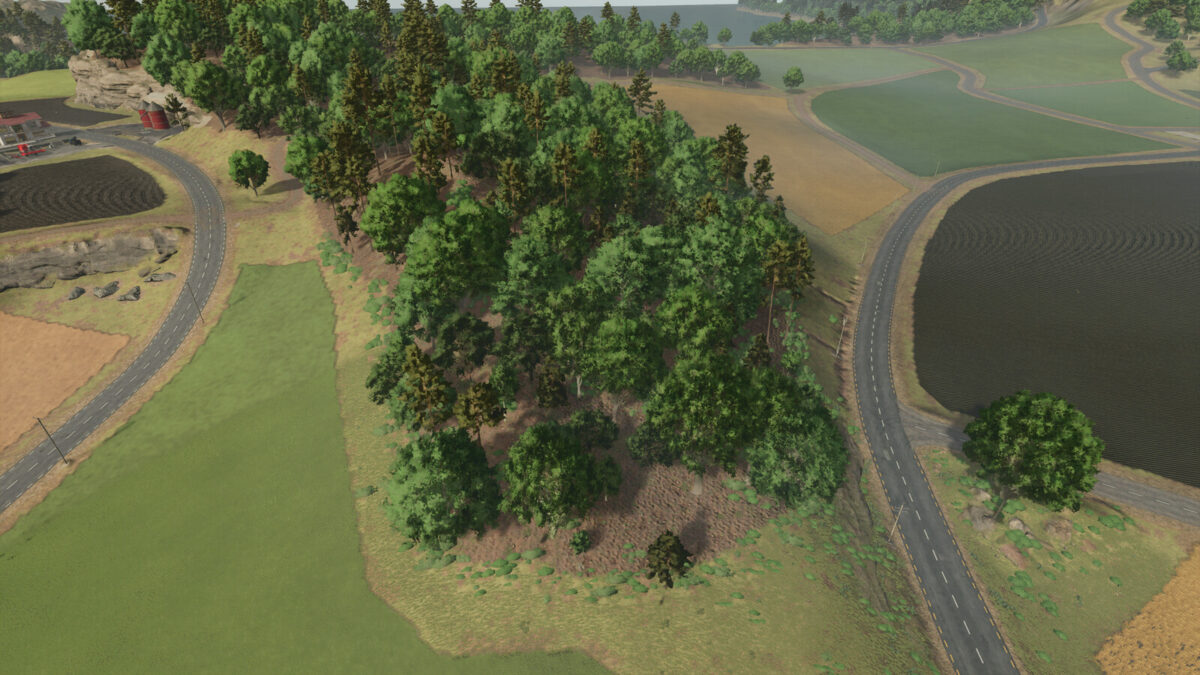
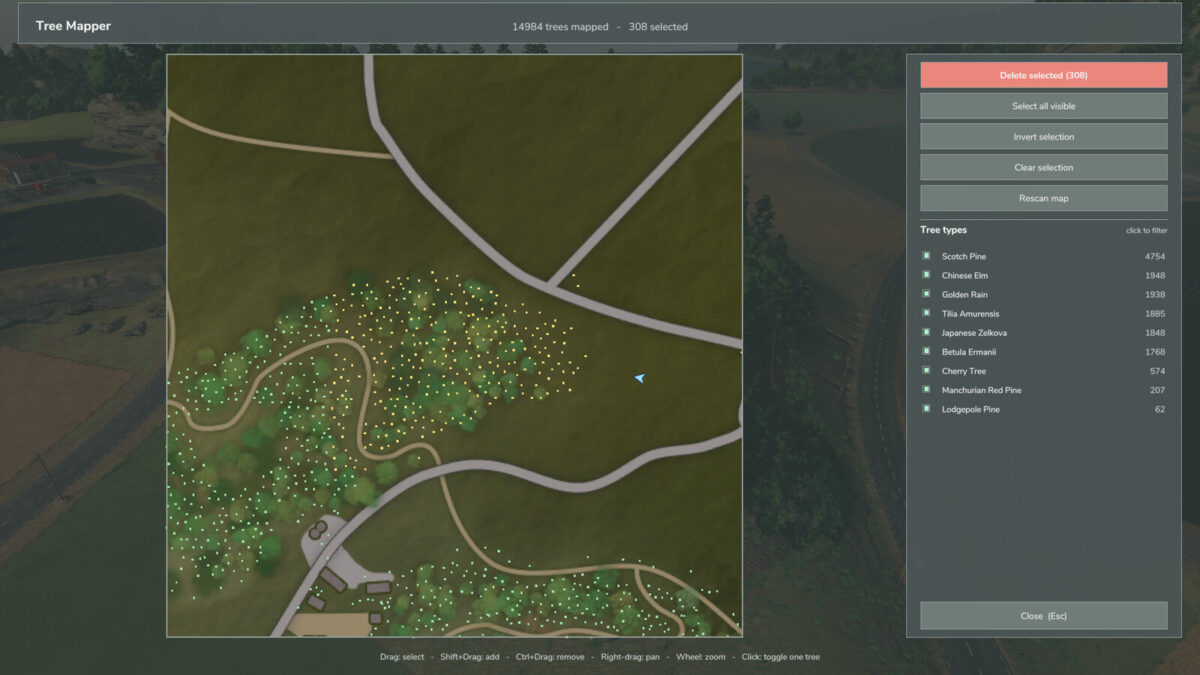
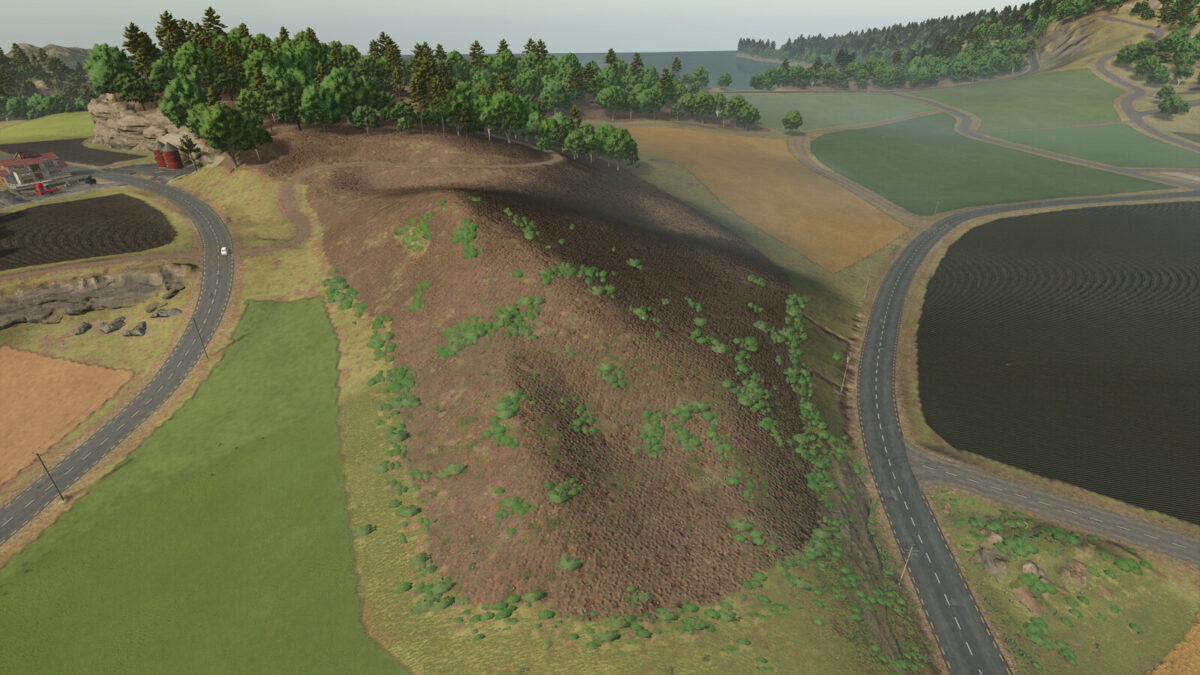
Maps every tree in your savegame and lets you batch-delete them from a full-screen map.
FEATURES
– Scans the whole map for trees, including trees baked into the map itself
– Drag a box on the map to select trees; Shift adds to the selection, Ctrl removes
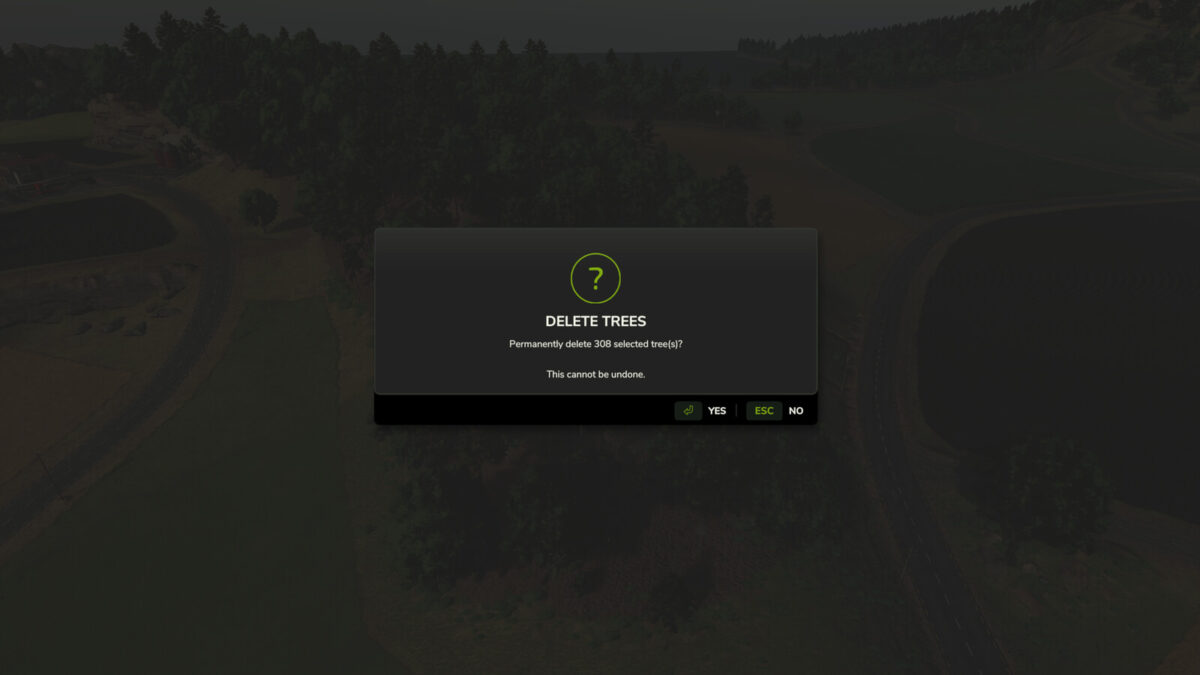
– Filter by tree type and delete the entire selection in one step
– Shows your current position and heading on the map
– Removals are stored in the savegame and re-applied on load
Default key: Left Alt + T
In multiplayer, players other than the host can only remove trees on farmland their own farm owns.
Credits:
Rhysdabeast0011