

Ursus 1674 Forte v1.0.0.5

Ursus 1674 Forte v1.0.0.5
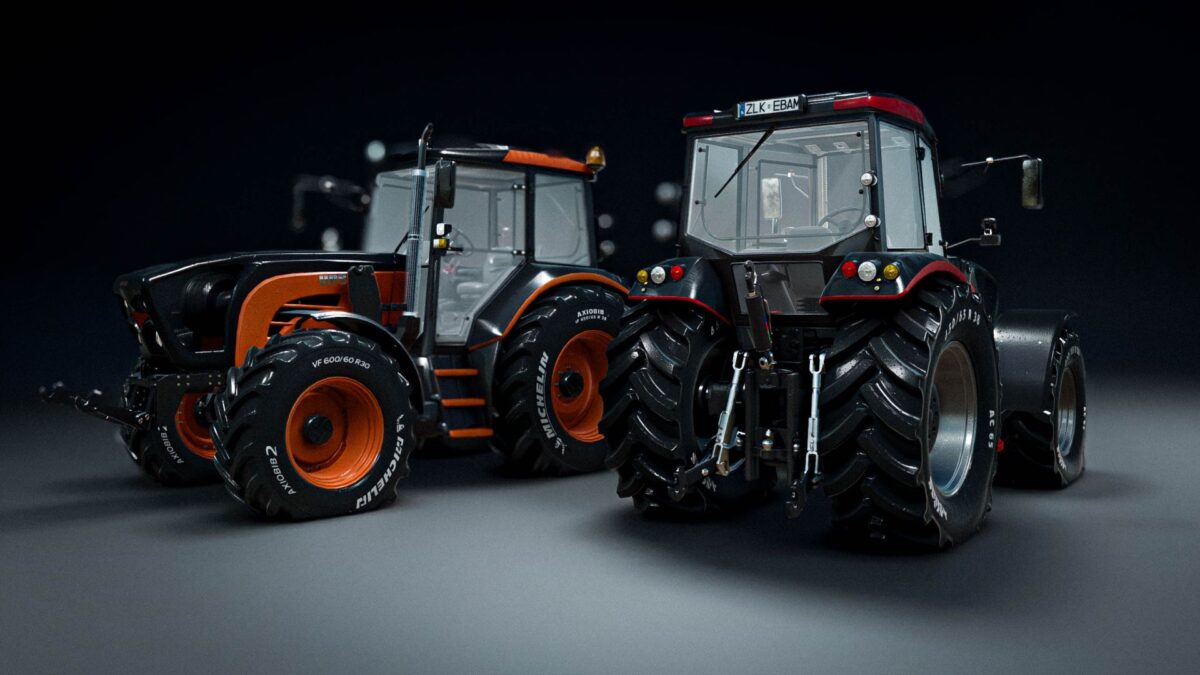
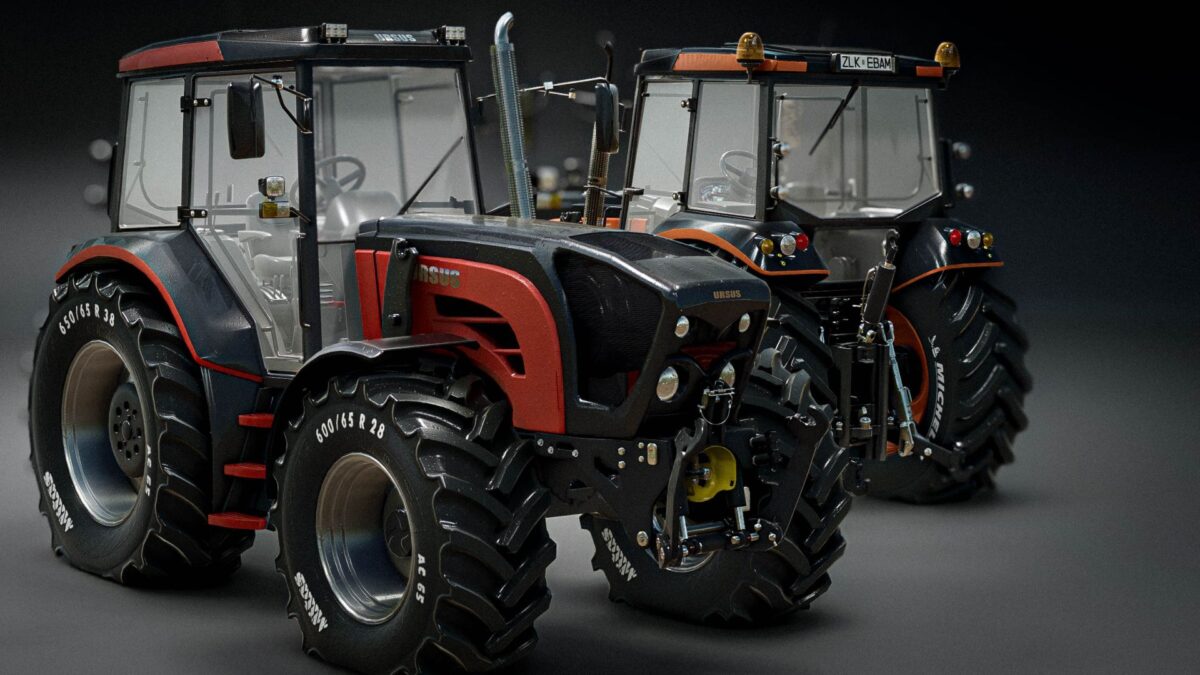
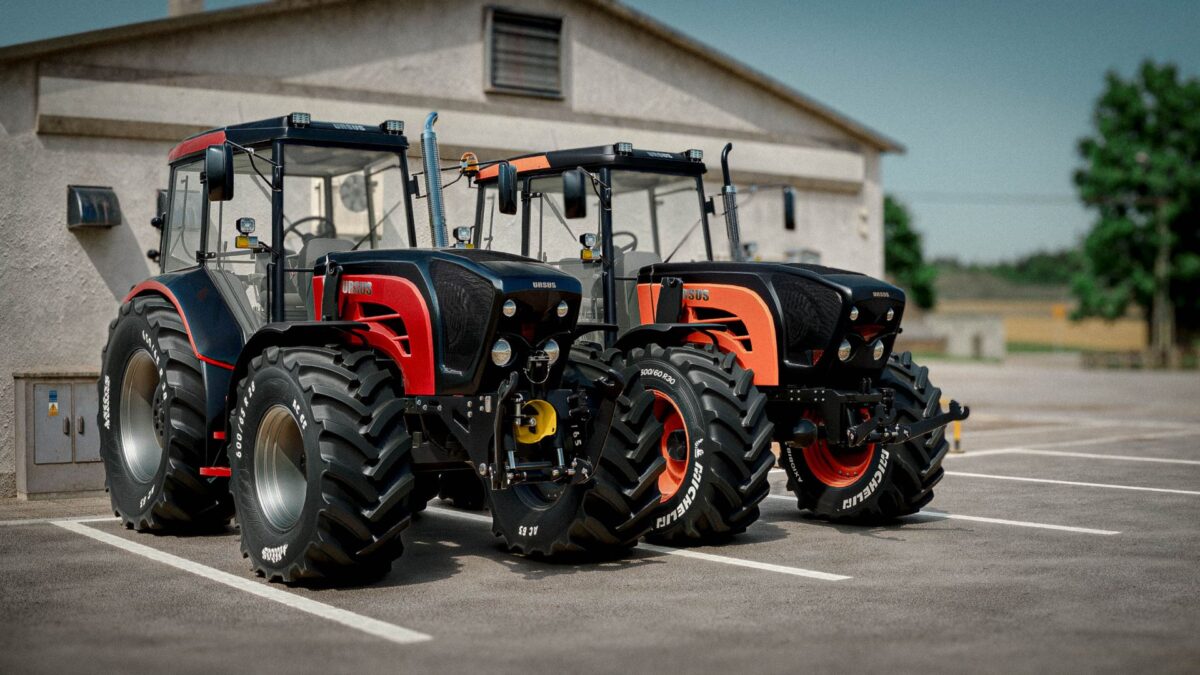
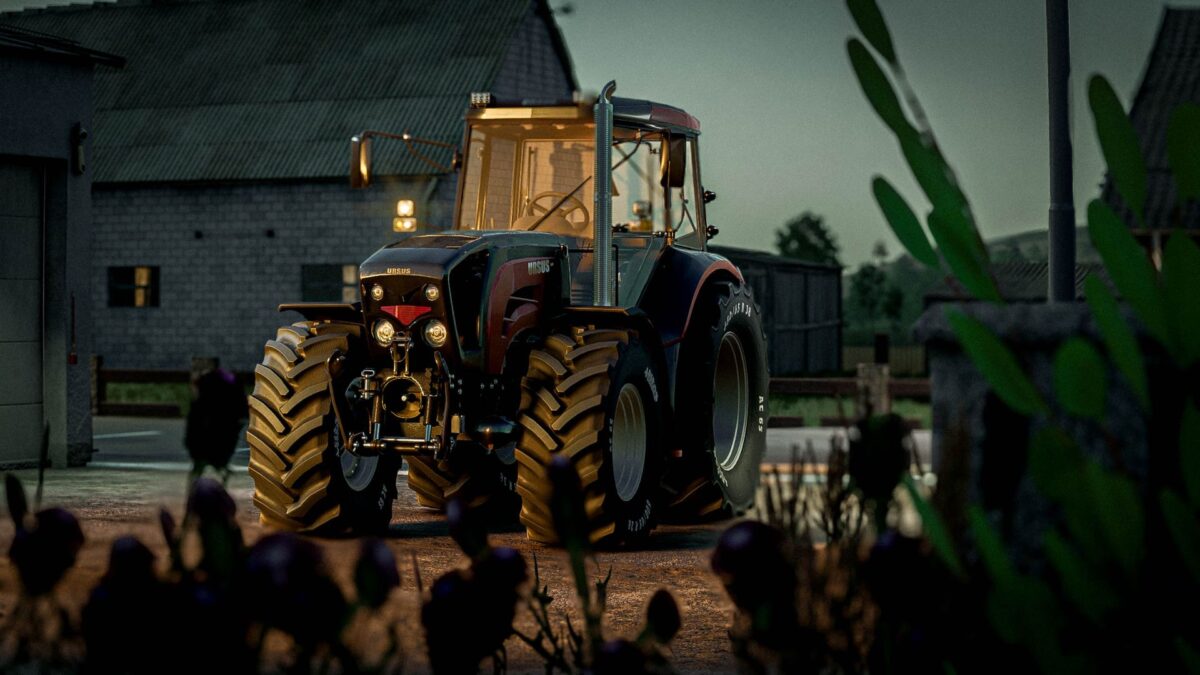
Ursus 1674 Forte the Polish tractor with a 6-cylinder Perkins engine and the Forte styling, built in Lublin in 2009-2011.
Technical data:
Price: 76500 €
Engine: Perkins 1106D, 6 cylinders, 6.6 l, 158 hp, 683 Nm (Turbo option: 191 hp)
Transmission: 16+8 with torque amplifier, max. speed 43 km/h (52 km/h with the Turbo engine)
Fuel tank: 355 l
Empty weight: 6250 kg
Category: tractors M
Features:
Real dimensions: wheelbase 2.71 m, length 4.57 m, height 3.14 m
Body colour: red (2011) or orange (2010 show tractor)
Black paint colour for the hood, roof and rear fenders: black, matte black, graphite, red, orange or white
Rim colour: silver, red or orange
Wheel options: default 440/80R28 + 540/80R38, standard 480/70R28 + 520/70R38, medium 480/70R28 + 580/70R38, wide 600/60R30 + 650/65R38 with Zetor Crystal type front fenders, wide Michelin with white lettering, wide Mitas 600/65R28 + 650/65R38 (also with white lettering), rear wheel weights, rear twin wheels
Front options: weight frame, front weights 600 / 1200 / 1500 / 2000 kg (with front hitch on 1500 and 2000 kg), classic front linkage or Deutz-Fahr front linkage with folding arms
Front PTO with the front linkage
Front loader console options: Stoll, Quicke and Hauer, painted like the frame
Rear three-point linkage with its own kinematics (lower links, lift arms, lift rods, cylinders, stabilizers), rear hitches and rear PTO (also for trailed PTO machines)
Seat options: mechanical seat or air suspension seat
Passenger seat: a second player can ride on the instructor seat in multiplayer
Front fenders on the steering knuckles, turning with the wheels (can be removed in the shop)
Cab interior with working gauges (rpm, fuel, temperature), instrument cluster lamps working with their functions, seat on slide rails, steering column and animated pedals, dark upholstery trims, roof hatch
Working front and rear wipers
Beacon lights: none, left, right or both
Exhaust: chrome (Ursus 1954 type) or black
All lamps are base game lamps working with the FS25 light system: headlights, high beam, turn indicators, tail and brake lights, front and rear work lights
Base game FS25 shaders, materials and detail library, base game rims, hubs, tyres and grilles
Base game Zetor Crystal 6-cylinder sound
Collisions matching the selected front configuration
Interactive Control (IC) support: doors, rear window, seat slide, engine, lights, beacons, indicators, PTO and rear linkage (inside and outside)
Precision Farming: ISARIA PRO Compact crop sensor option (requires the Precision Farming DLC)
Multiplayer supported
V1.0.0.5
Cab suspension removed: the cab no longer clips through the hood, and the lamps, roof light and URSUS lettering no longer move against the body on bumps
Seat suspension (mechanical and air seat) is kept
Accelerator and brake pedals are animated
Precision Farming support: ISARIA PRO Compact crop sensor can be bought as an option (roof unit and two sensors on the mirror arms)
White tire lettering reworked: cleaner letter edges, complete size markings, readable Mitas logo, no stray marks
White lettering wheel options are now listed together with the other Michelin and Mitas wheels in the shop
Removed the front PTO log warning in configurations without the front linkage