

Vegetable Factory v1.2.0.0

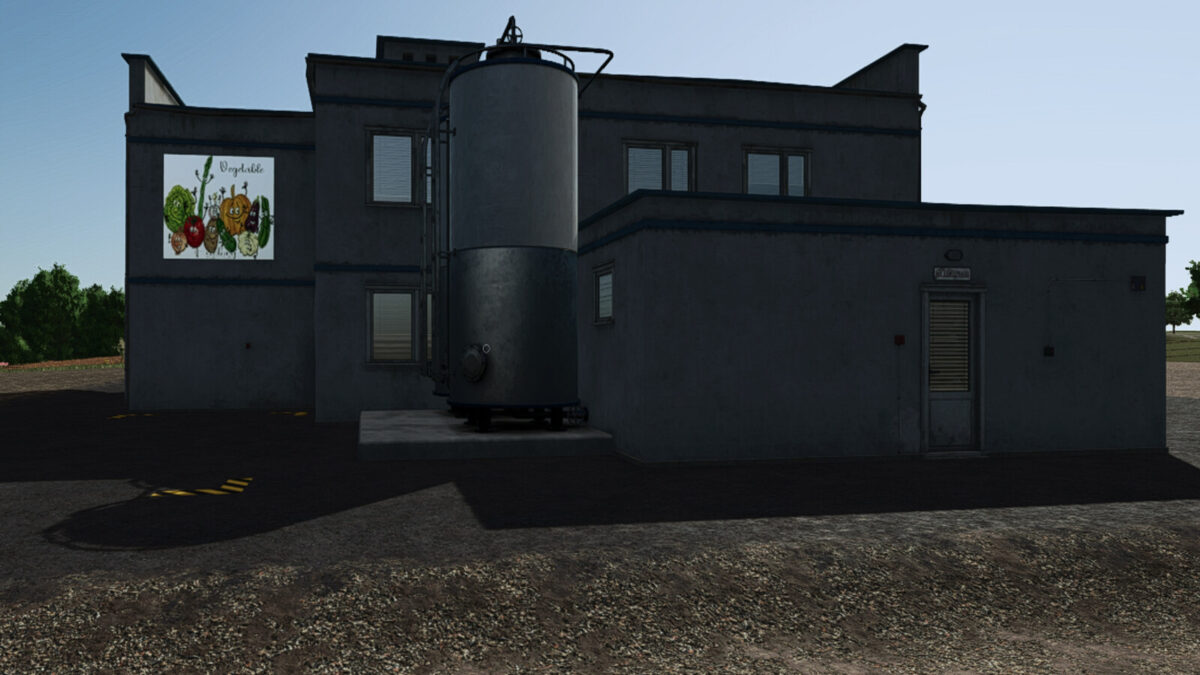
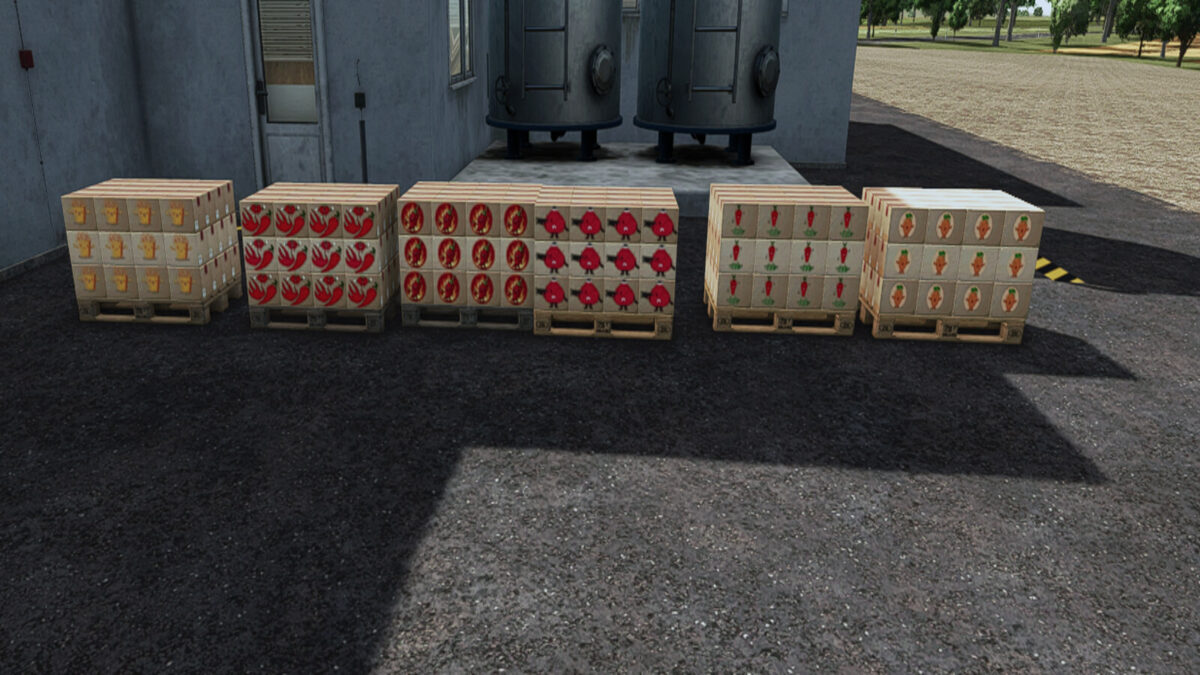
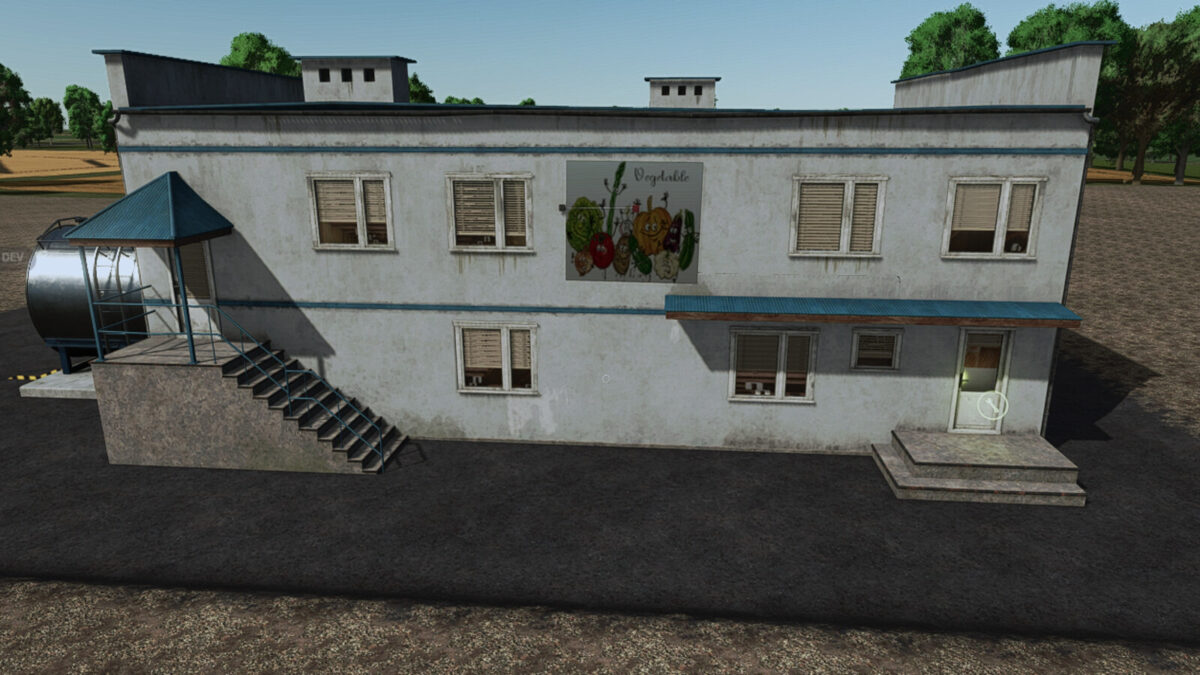
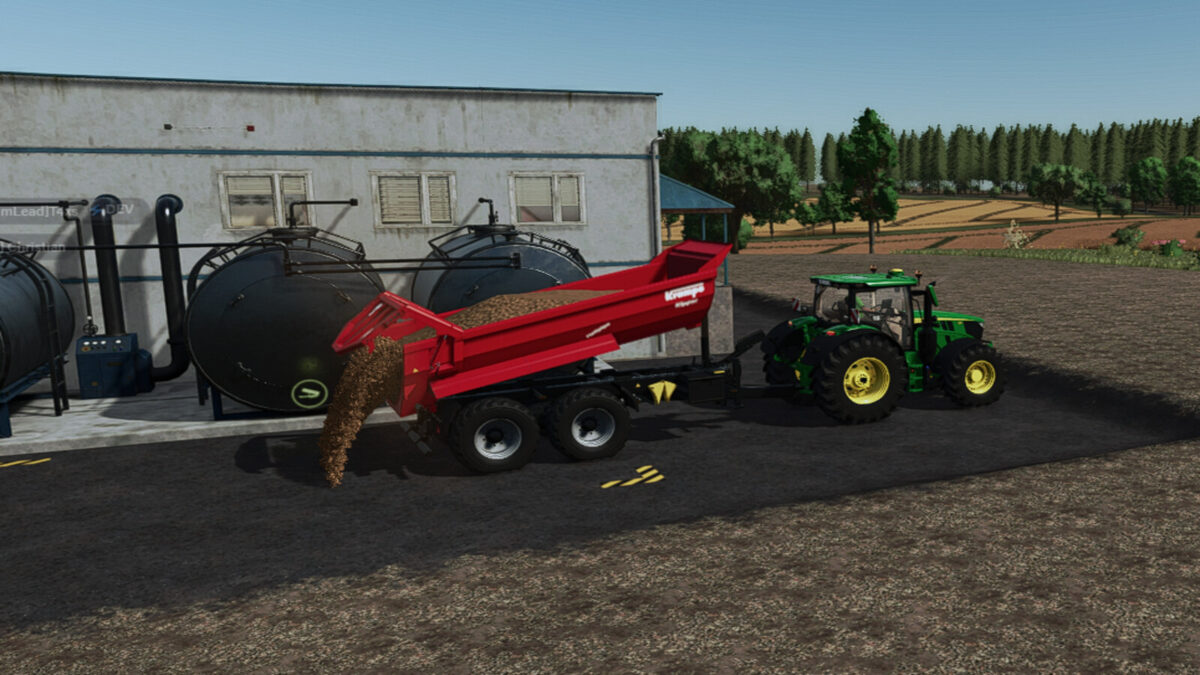
Vegetable Factory v1.2.0.0
In this vegetable factory, you make new products from several types of vegetables.
Category: Production Sites
Price: $210,000
Daily upkeep: $250
Production Recipe:
– 400 carrots > 350 carrots in a box
– 200 carrots + 200 peas > 350 peas and carrots
– 200 tomatoes > 180 ketchup
– 160 chilli > 140 chilli sauce
– 160 chilli + 140 tomatoes > 300 chilli tomato salad
– 350 potatoes + 10 sunflower oil > 300 french fries
– 300 spinach + 100 water > 250 ramekins + 50 spinach bags
– 300 peas + 100 potatoes + 100 carrots + 100 water > 400 pea soup + 50 canned peas
– 300 green beans + 100 potatoes + 100 carrots + 100 water > 300 bean soup + 100 green beans Beans in a Jar
– 300 Beets + 100 Water > 250 Beetroot Soup + 50 Canned Beets
– 300 Parsnips + 100 Water > 250 Parsnip Soup
– 300 Corn + 100 Water > 250 Canned Corn
– 350 Onion + 10 sunflower oil > 300 Onion rings
– 300 carrots + 50 Water > 250 carrot juice
– 300 potatoes + 50 carrots + 50 Onion + 50 SPRING ONION + 50 Water > 450 Potato soup
All production lines require empty pallets.
All production lines produce pigfood and organic waste as a byproduct for sale or compost production.
Changelog 1.0.0.1:
– Recipes expanded
– More harvest inputs added. (Parsnips, Beets, Spinach, Peas, Green Beans)
– Missions removed.
CHANGELOG Version 1.1.0.0
– Mod dependency FS25_AdditionalFilltypes.zip removed
– Onion added
– Recipes expanded