

VOLVO FH16 TANDEM v1.0.0.5

VOLVO FH16 TANDEM v1.0.0.5
VOLVO FH16 TANDEM
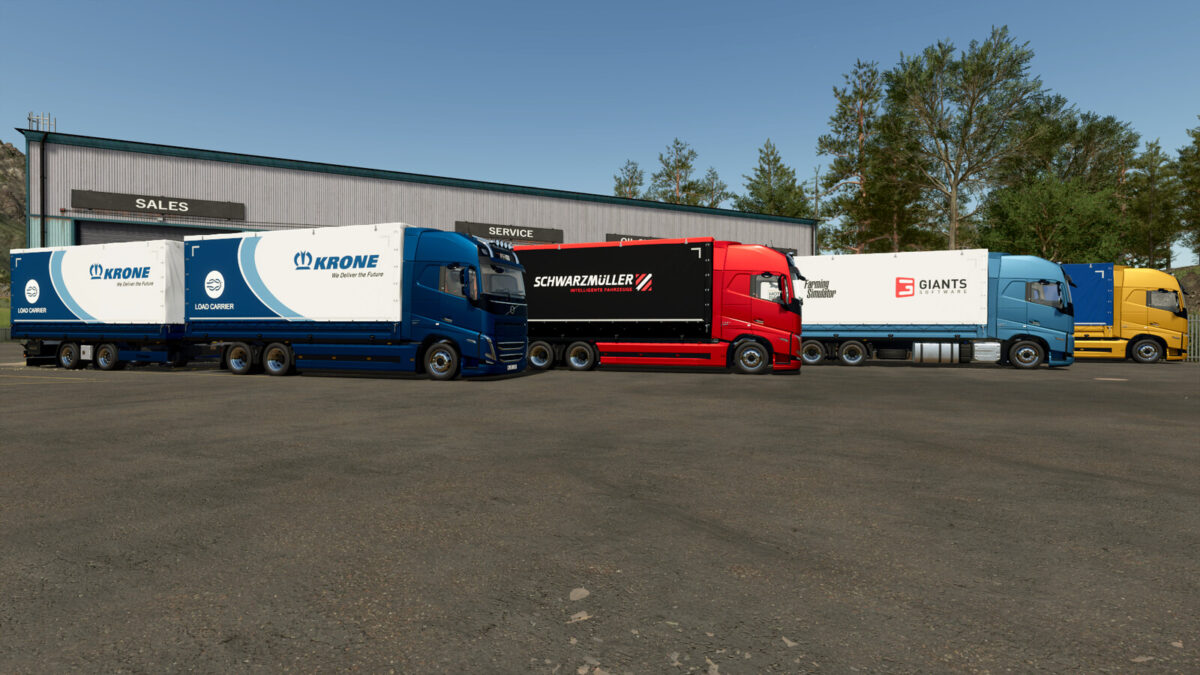
VOLVO FH16 VAN
Categories: Trucks, Baling – Transport
Configurations:
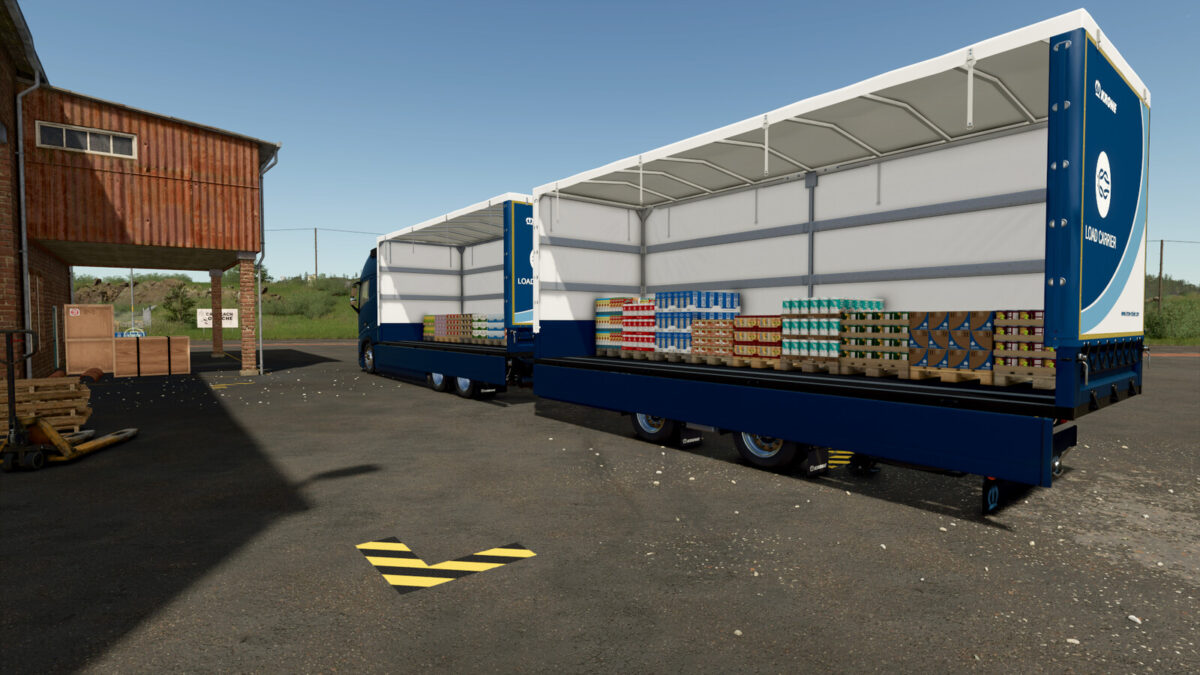
VAN ($2 000).
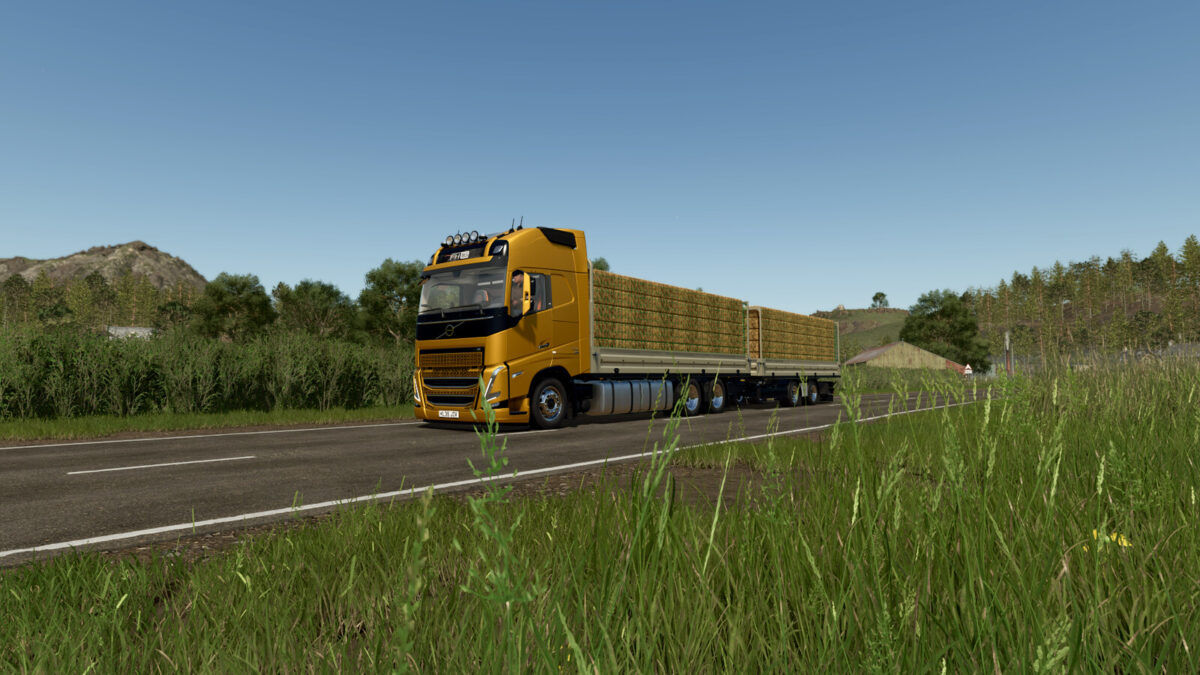
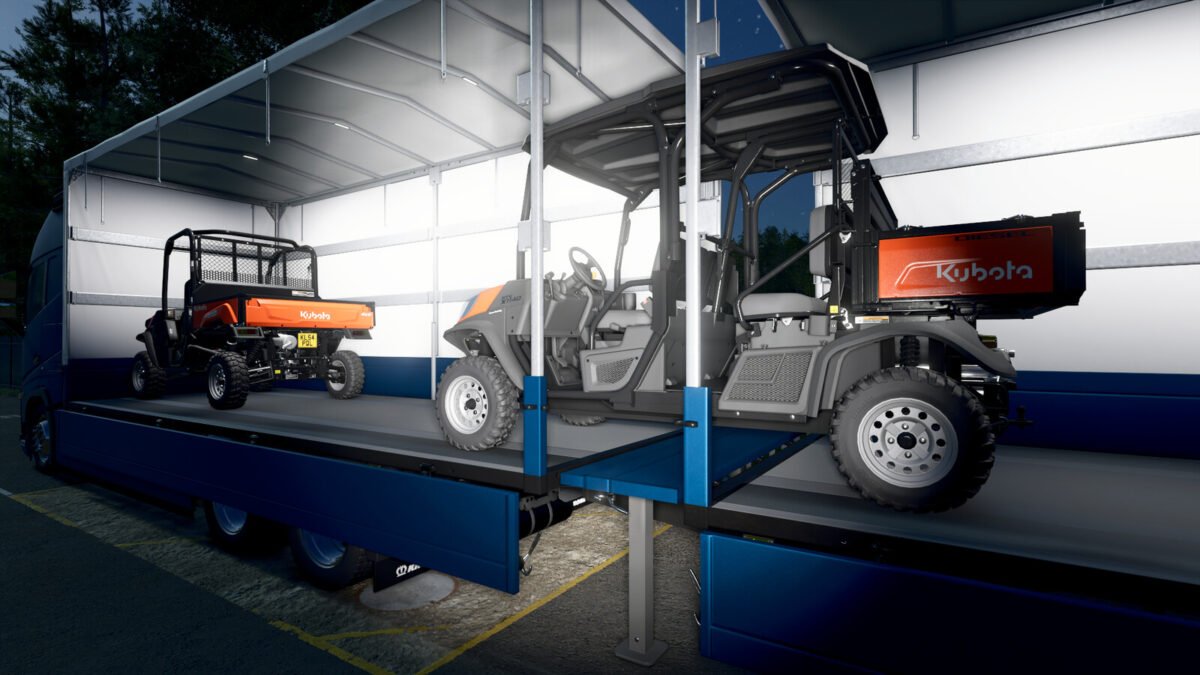
Drop-side platform.
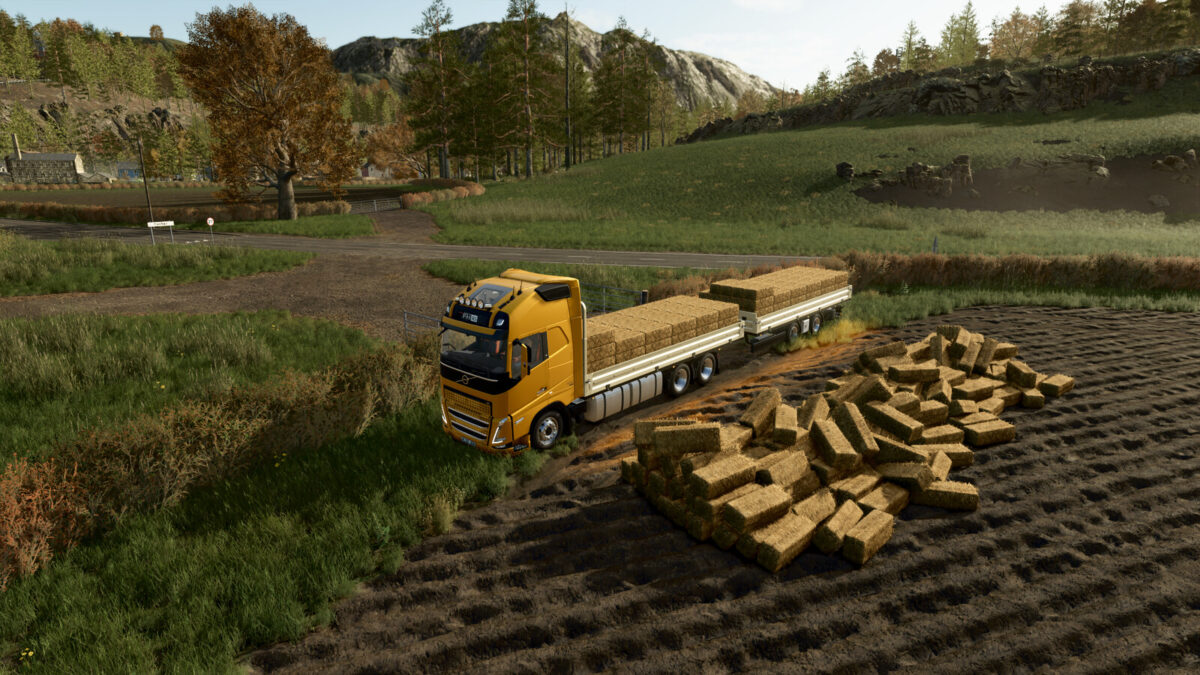
Drop-side platform with AUTOLOAD BALES ($20 000).
Power (Diesel): 600 – 780 hp
Power (Electric): 330 – 662 KW (450 – 900 hp)
Max. speed: 90 – 120 kph
Capacity fuel tank: 1510 liters
Battery capacity: 810 KWh
Capacity:
europallets (VAN): 54 pcs.
squarable bales (AUTOLOAD): 120cm – 180 pcs. 180cm – 16 pcs. 220cm – 12 pcs. 240cm – 12 pcs. Cotton – 1 pcs.
roundable bales (AUTOLOAD): 125cm – 18 pcs. 150cm – 14 pcs. 180cm – 8 pcs. Cotton – 3 pcs.
Price: $190 000
KRONE LOAD CARRIER
Categories: Trailers – Flatbed Trailers, Baling – Transport
Configurations:
VAN ($2 000).
Drop-side platform.
Drop-side platform with AUTOLOAD BALES ($20 000).
Capacity:
europallets (VAN): 54 pcs.
squarable bales (AUTOLOAD): 120cm – 180 pcs. 180cm – 16 pcs. 220cm – 12 pcs. 240cm – 12 pcs. Cotton – 1 pcs.
roundable bales (AUTOLOAD): 125cm – 18 pcs. 150cm – 14 pcs. 180cm – 8 pcs. Cotton – 3 pcs.
Price: $25 000
Changelog Version 1.0.0.1:
Added interior lighting for the van at night.
Added vehicle icons for various configurations.
Bug fixes:
Removed unnecessary decals.
Corrected side marker lights on the side guards.
Various graphical bug fixes.
Changelog Version 1.0.0.2:
Bug fixes:
The issue with opening the side panels and ramp on the PS5 has been resolved.
Changelog Version 1.0.0.3:
Door moldings added (by selectable).
Bug fixes:
Fixed trailer swaying during braking/acceleration.
Changelog Version 1.0.0.4:
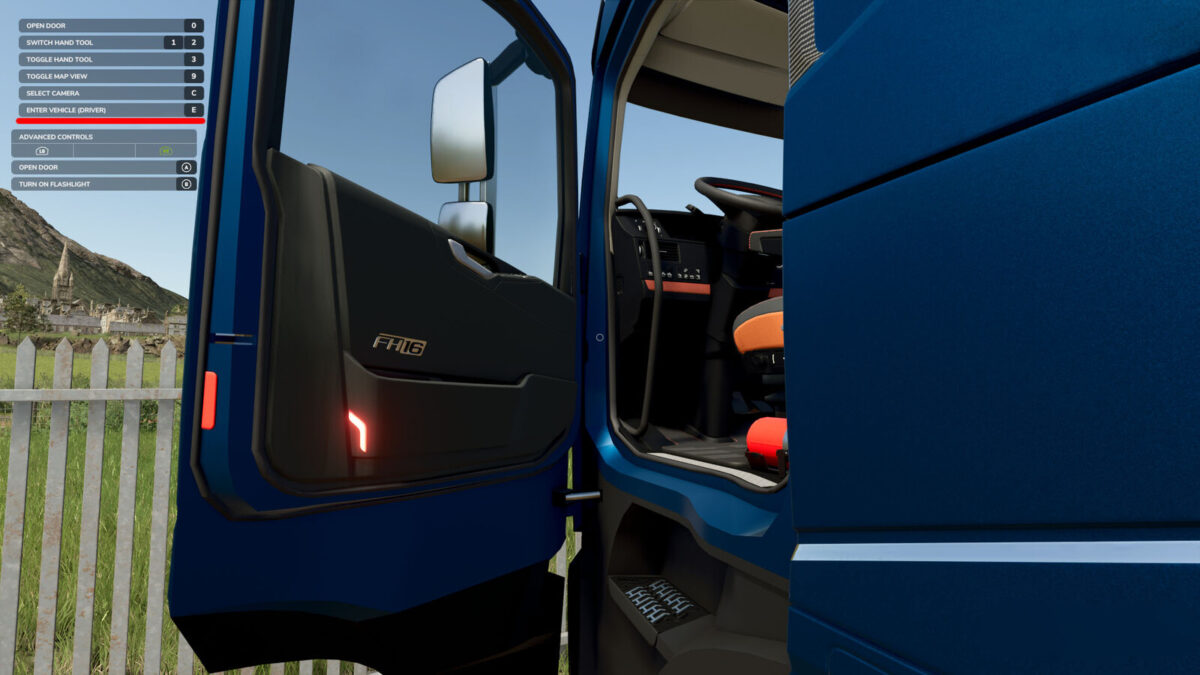
Added animations for doors and the spoiler.
New color schemes.
Changelog Version 1.0.0.5:
Bug fixes:
Door functionality has been reworked. (RB + A for the Gamepad)