

Vyacheslavka Map v 5.0.0.3


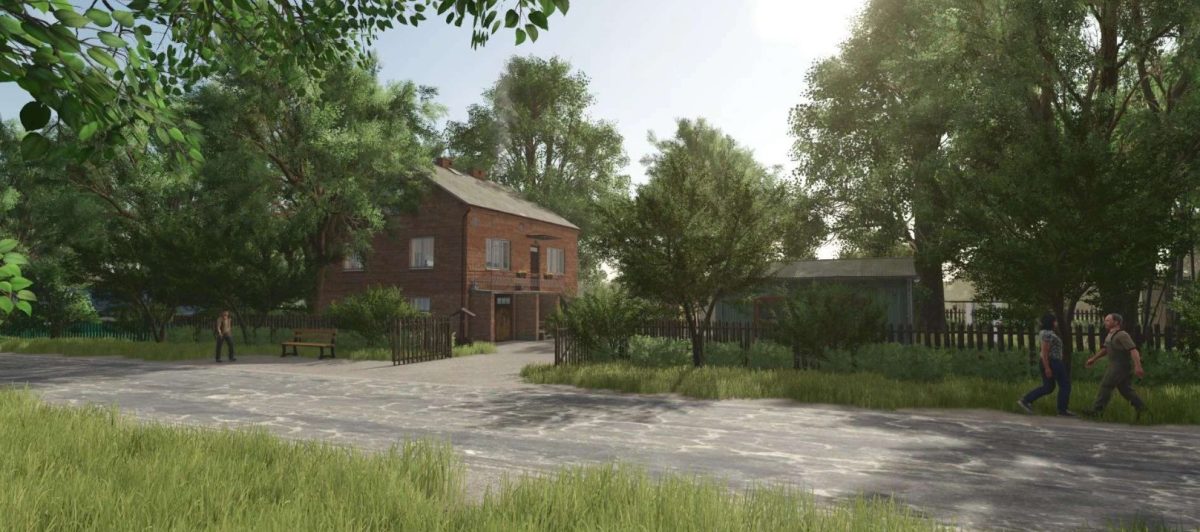
Vyacheslavka Map v 5.0.0.3
– 220 Fields
– There are points of sale
– Own starting equipment
– There is production, which is located in its real places
– There are 3 quarries, into which stones and lime are poured
– There are 3 silo pits, in which there is already silage
– Large fields from 0.25 hectares to 135 hectares
Version 5.0.0.3:
* The map is now 96% optimized
* Fixed landscape issues
* The map now works in multiplayer
* Removed all unnecessary and unnecessary garbage, which reduced the weight of the map
* Replaced road and sidewalk textures
* Reduced several lights for lighting, less light at night
* Now you can make propane from biogas, which you use in a grain dryer
* The grain dryer is now listed in the map and translated into Ukrainian and Russian
* Replaced School, Club and Kindergarten (so far without furniture, only the frame is made)
* Fixed some vegetable gardens
* Fixed contracts for transporting wood and dry matter
* Added contracts for removing stones with a pickaxe