

Worker Skill System v 1.0

Worker Skill System v 1.0
The “Worker Skill System” in Farming Simulator 25 makes the AI helpers behave like a real farm crew.
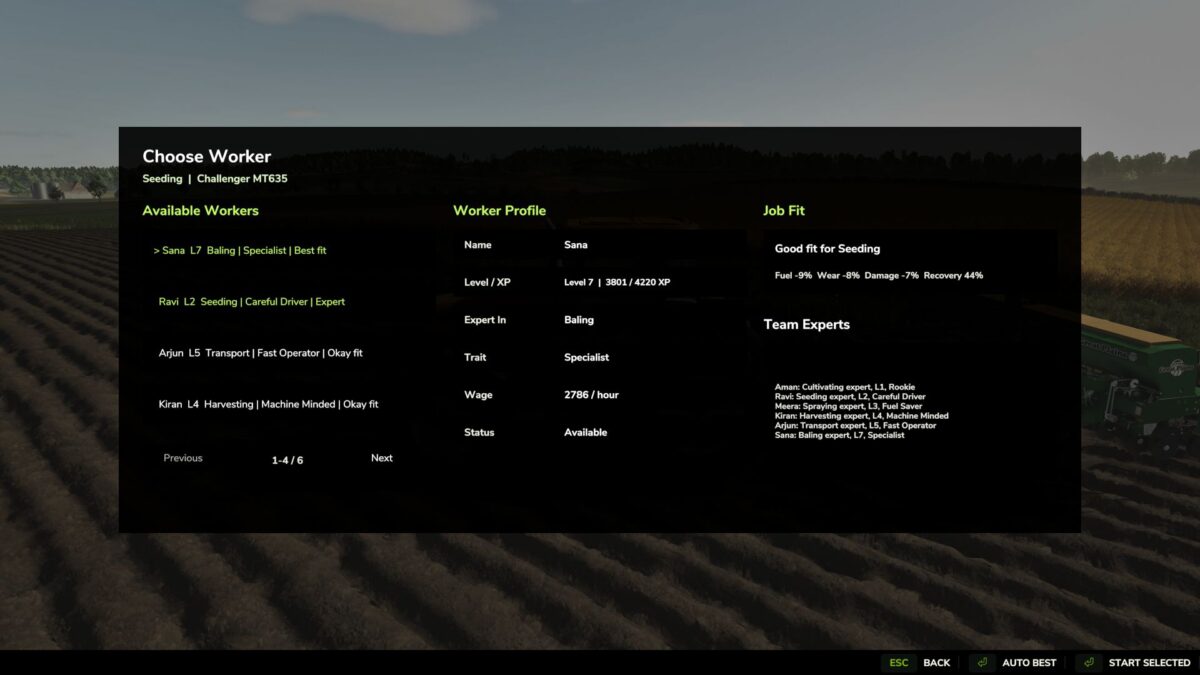
Instead of starting a job with an unnamed helper, press the “H” key with an AI vehicle ready to start
to open a clear selection window for workers.
The screen displays several workers.
Overview of the “Worker Skill System”
The “Worker Skill System” is a script mod by Sumro Gaming for Farming Simulator 25. This page explains the mod before the player accesses the download source. The “Worker Skill System” makes the AI helpers in Farming Simulator 25 behave like a real farm crew. Instead of starting a job with a nameless helper, pressing the “H” key on an AI-capable vehicle opens a clear selection window for workers
Details on the “Worker Skill System” Features:
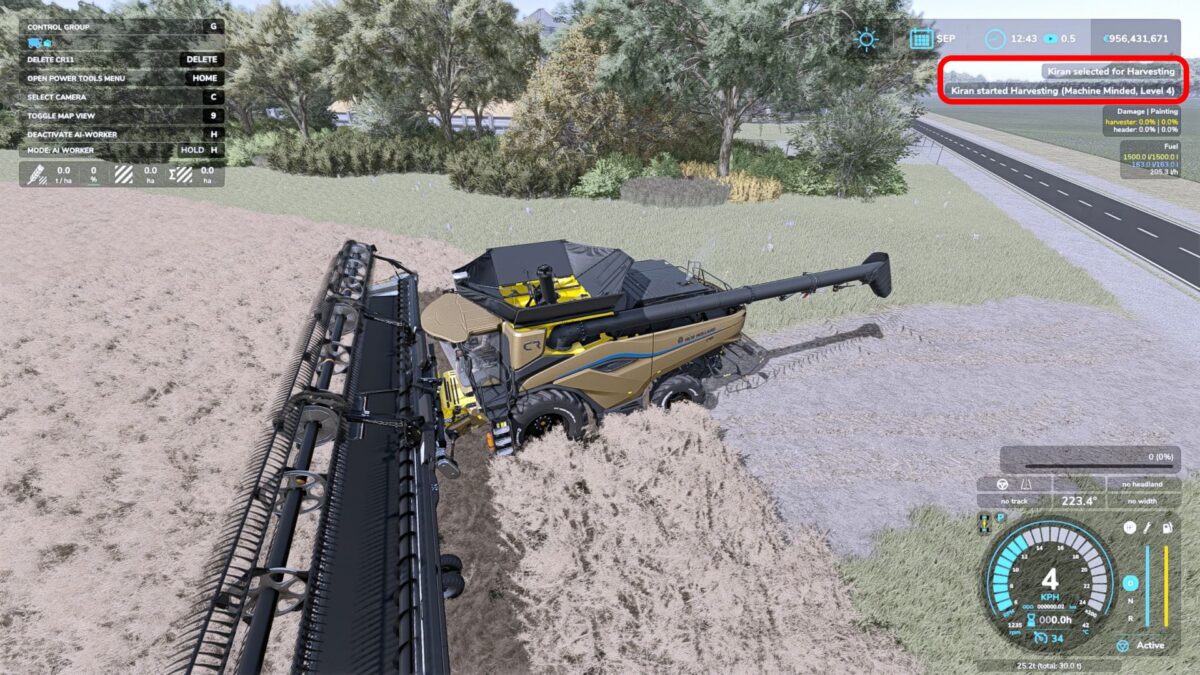
The “Worker Skill System” focuses on the following features: It adds permanent worker profiles (with name, level, experience points/XP, specialty, attribute, wage, availability, and saved statistics); it opens a worker selection window for AI-enabled vehicles with the press of the “H” key (including options such as “Start Selected” and “Automatically Best”); and it utilizes skill-based, individual wages as well as bonuses for higher-level workers in areas such as fuel consumption, wear and tear, damage, work accuracy, and error correction. The mod adds permanent AI worker profiles, a selection screen, skill levels, XP progression, individual wages, job suitability checks, specialist bonuses, and quick feedback on worker status during helper missions.
The particular benefit of this release lies in the fact that helpers become named farm employees instead of remaining anonymous AI workers. Players can select the appropriate worker for tasks such as sowing, harvesting, baling, transporting, or spraying and track their development over time. Since the “Worker Skill System” is documented specifically for FS25 players, the description outlines not only the technical details of the ZIP file but also its practical impact on gameplay, rather than simply leaving visitors with a title and a button.